For estate and letting agents
Know which properties get attention.
Make every board work harder.
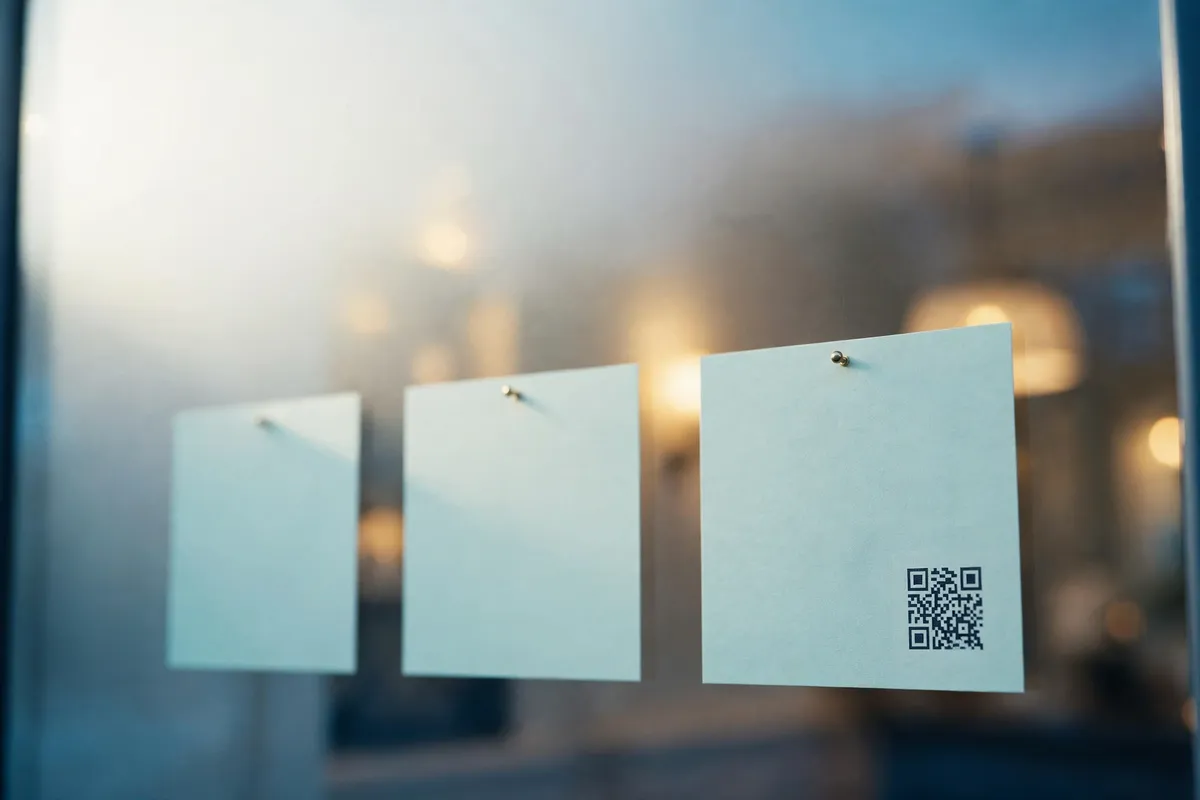
Turn your boards into scannable links to your listings. See scans for each property, update destinations, and reuse your QR-equipped boards for the next instruction.
Free, no sign-up, nothing to install. 3 editable codes for £25/year · or start free: one editable code, no card
Example agency and property. Scan the code or open the demo listing.
Which properties are getting attention?
Every code counts its own scans, so your printed marketing finally reports back: which listings pull interest, and which placements sit quiet.

12 Elm Road
board + window card
40 scans
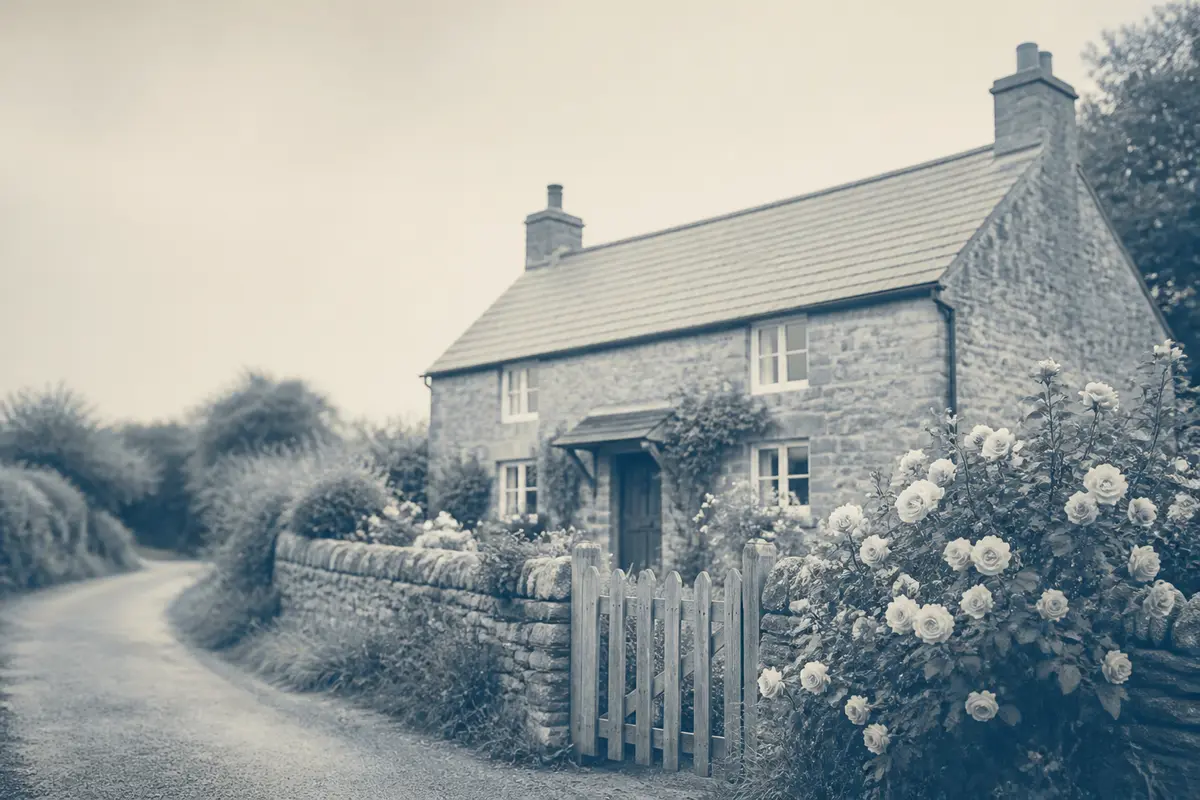
4 Vine Terrace
board only
12 scans
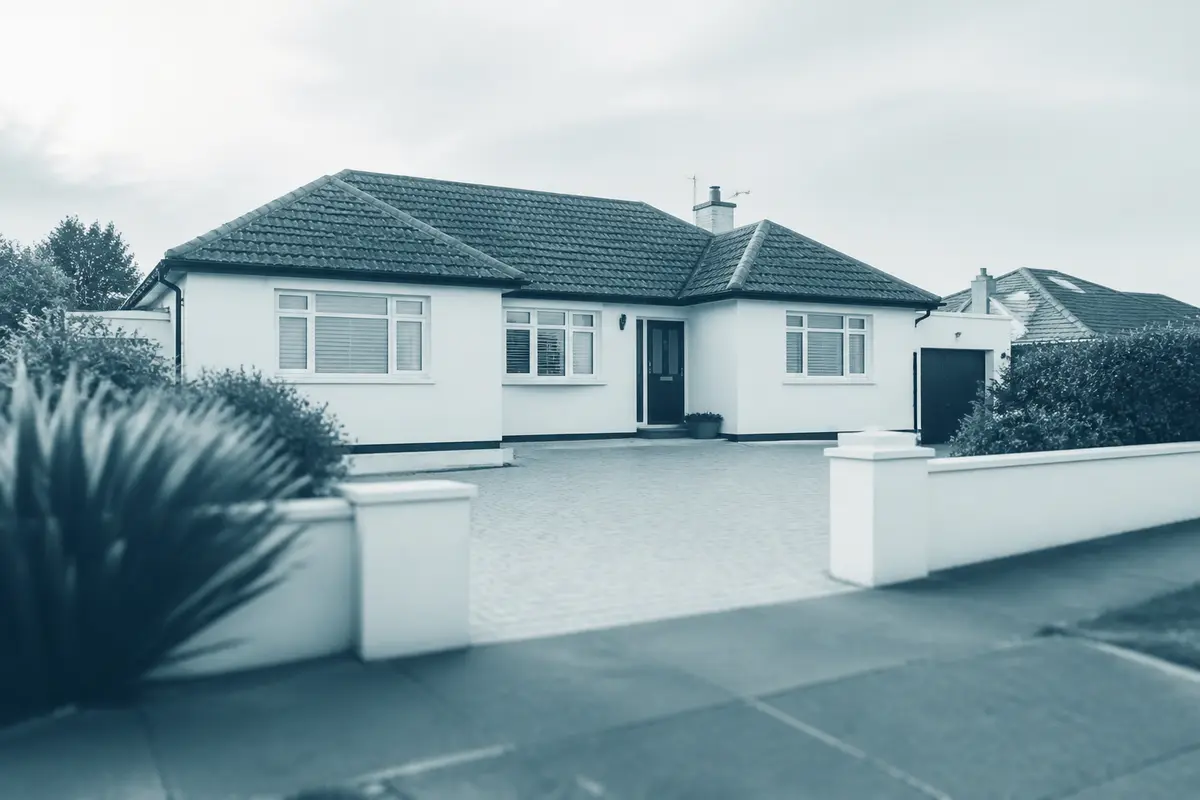
8 Station Road
brochure only
3 scans
Illustrative data, same reporting period. Scan activity indicates engagement with those codes, not a definitive popularity ranking: footfall, placement and time on the market all affect the numbers.
What could you do with this? Review quiet placements, compare interest between properties, and bring numbers to vendor updates.
Same board. Next property.
Your boards may already be reusable. Give a generic board an editable OpenQR code and the printed QR stays put while the destination follows the instruction: no new artwork at each move.
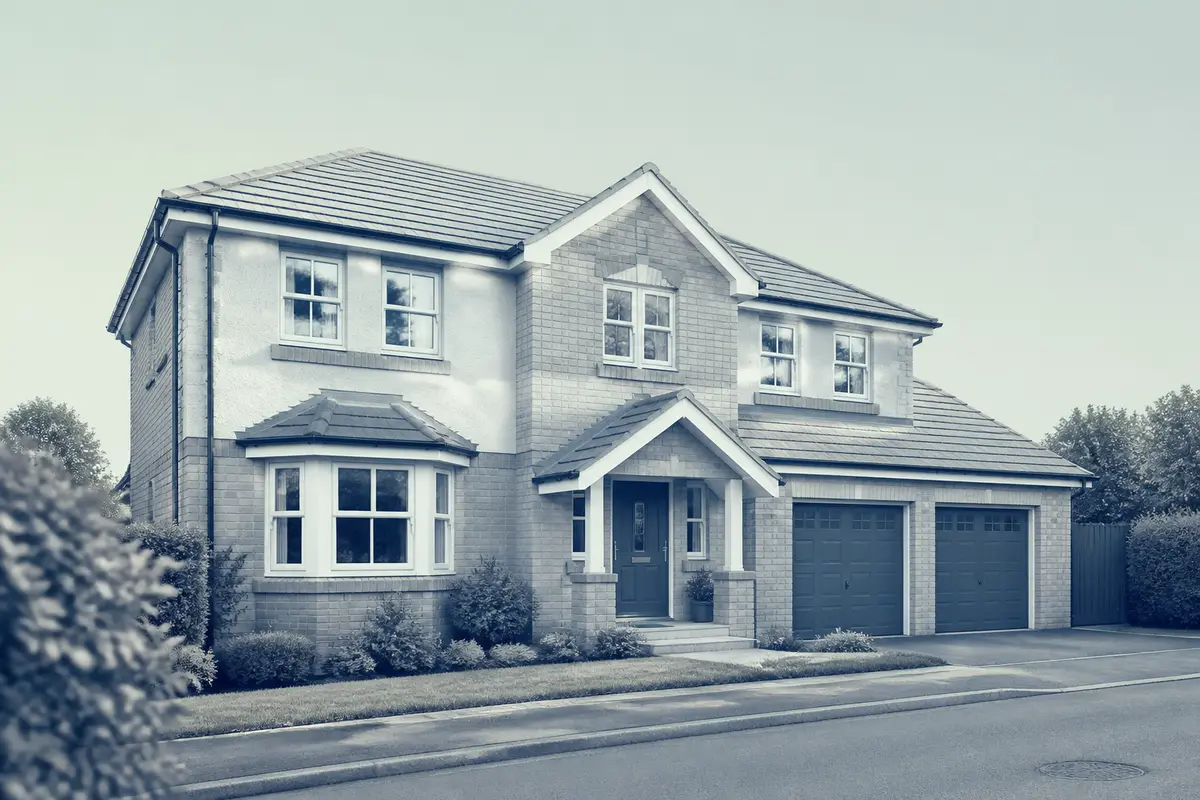
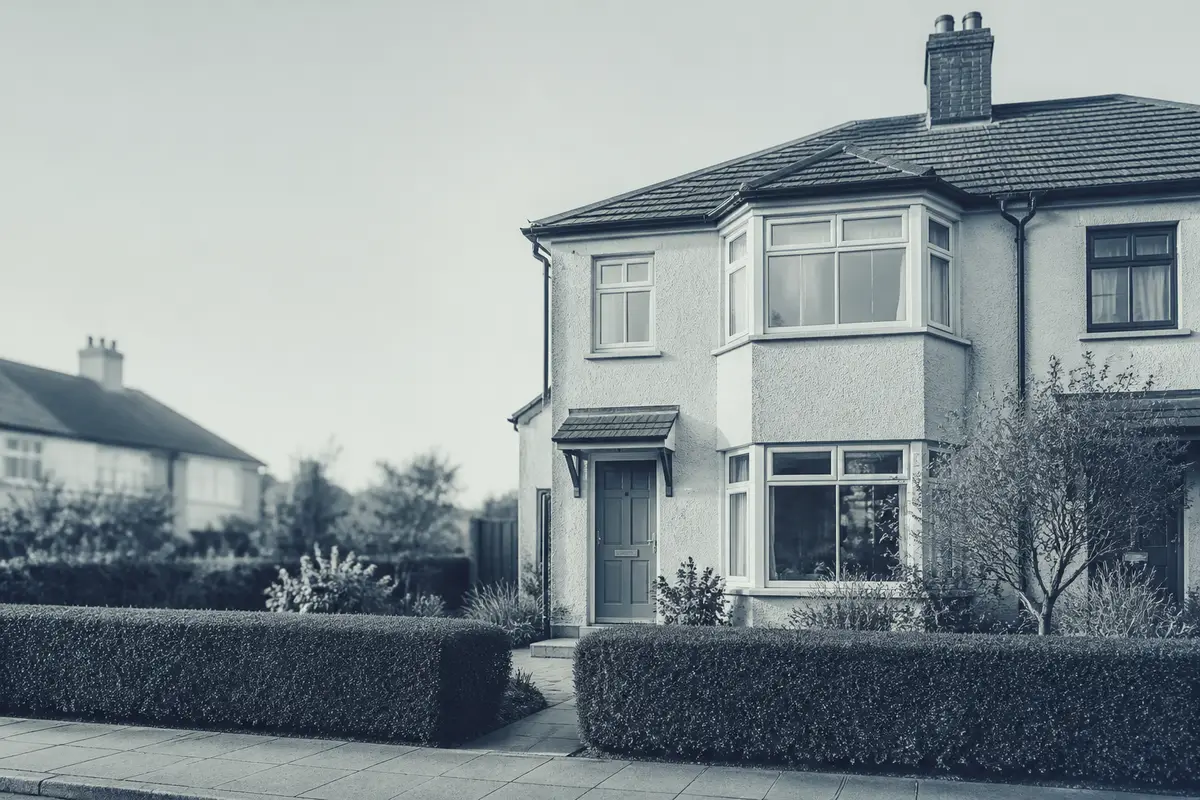
Identical printed code on both sides. OpenQR records each reassignment, so Property A’s scans never read as Property B’s interest: the board’s history separates the periods. Keep brochure codes with their own property, and a drawer-kept brochure still opens the home it was printed for.
See how it looks on your own artwork: make a code for a live listing now. Free, no sign-up, and it exports as SVG for your printer.
From pavement to property details
Someone interested stops at the board and scans. Your listing is in front of them in seconds: photographs, floorplan, and your own viewing action, on the page you already maintain.
The easier that next step is, the more of that interest reaches you — and every scan is counted on the way in.
Starter
3 editable QR codes
£25/year
one payment, no monthly fee · window card, board and brochure, one code each
- 3 editable QR codes: point them at a listing, repoint them after printing
- Scan counts per code with 30-day history, so each placement reports separately
- Board reuse with reassignment history, so each property's scans stay its own
- CSV export and print-quality SVG/PNG artwork at any size
Full register? Pro
25 codes, £9/month or £90/year, with a 90-day history and detailed breakdowns by device, town and placement.
Free tier
One editable code, free forever, no card. Not a trial: it stays yours whether or not you ever pay. Start free
Bigger register? Business
100 codes, £19/month or £190/year.
Comparing placements separately may need a code or link each (see the FAQs). Moving down a plan pauses over-cap codes, never deletes anything. Full pricing detail
Questions agents ask
Can we link to our existing property pages?+
Yes. The code opens whatever public web address you choose: your site, a portal listing, a floorplan PDF. OpenQR manages the destination, not your pages.
Why pay when static QR codes are free?+
A static code suits an address that never changes and needs no reporting. An editable code lets you change that address after printing and counts scans per code. Starter (£25/year) carries 3 with 30-day counts; Pro (£9/month) carries 25 with 90-day history and detailed breakdowns.
Does every property need its own code?+
Two workable setups. One code per property: its board, cards and particulars share it and scans count together, which is the cleanest read of interest per property. Or a code per reusable generic board: when the board moves to the next instruction you repoint it, and OpenQR records each reassignment so the old property's scans never read as the new one's. Printed particulars are best kept with their own property's code either way: a brochure in a drawer should open the home it was printed for. Starter's 3 codes cover the core set (window card, board, brochure); 25 fit on Pro for a full register, 100 on Business.
What do the scan numbers actually mean?+
A recorded scan means someone opened that code: engagement with the printed marketing, not a buyer, a viewing or proof of footfall. Footfall, placement and time on the market all affect the numbers, so compare like with like (same period, similar placements) before drawing conclusions.
What do people see if we cancel or downgrade?+
Nothing is deleted. Codes over the new allowance pause, and a scanner opening a paused code sees a short "this code is paused" page until you reactivate or upgrade. Static codes work regardless of plan.
More on running a register of codes on the property guide.