

Developers
Editable QR codes and scan analytics with the OpenQR API
By OpenQR · updated 26 June 2026
oqr.to link that redirects through OpenQR. That indirection is the whole point: you can change the destination after the code is printed, and every scan passes through a server that can count it. This guide covers the data layer — creating, editing, listing and deleting dynamic codes over the REST API, plus reading scan analytics in depth.10 min read · Updated 26 June 2026
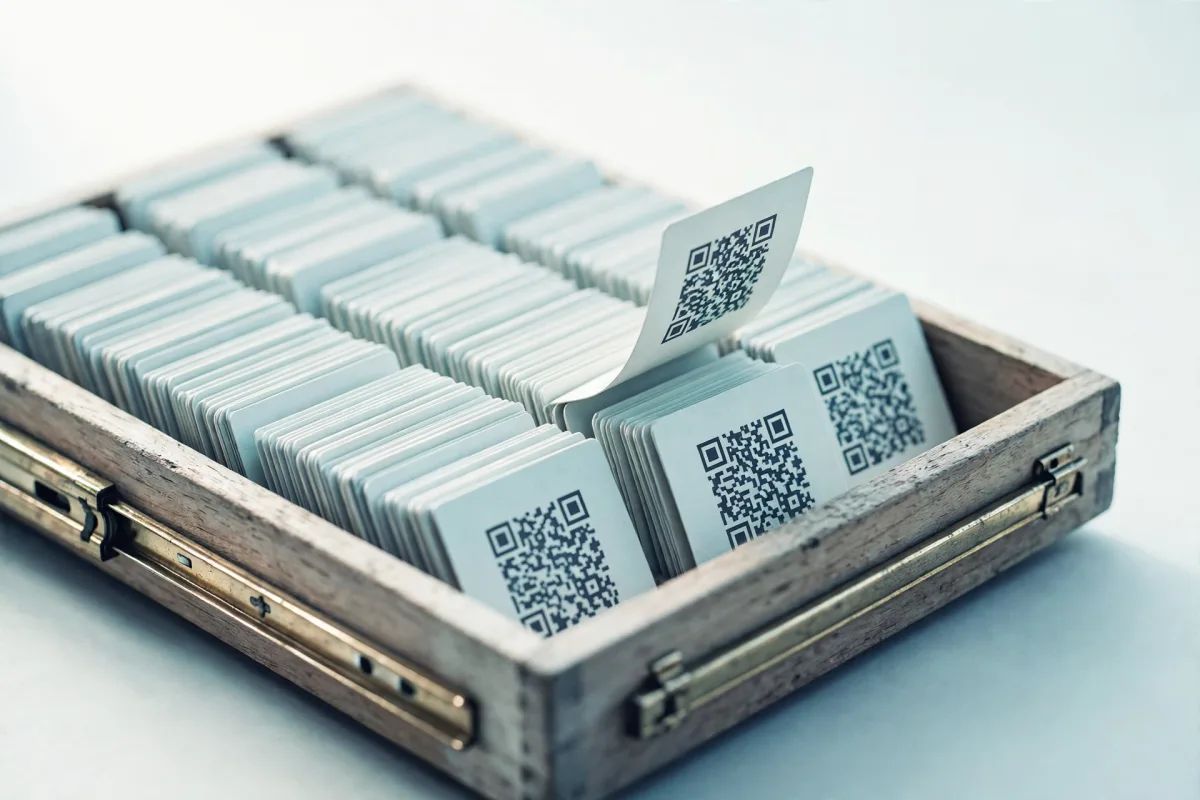
If you've not set up an API key yet, start with getting started with the OpenQR API — every call here needs a free key sent as Authorization: Bearer oqr_…. The base URL is https://openqr.uk. For the conceptual difference between the two kinds of code, see static vs dynamic QR codes.
What a dynamic code actually is
When you create a dynamic code you get back a slug and a short_url of the form https://oqr.to/<slug>. That short URL is what gets encoded into the QR image. A scan hits the oqr.to redirect worker, which looks up the current destination and issues a 302 to it. Because the real destination lives server-side, you can repoint it whenever you like — the printed code never changes.
Why this enables tracking
A static code points straight at its destination with nothing in between, so it cannot be tracked — there's no server to log anything. A dynamic code's redirect is exactly that missing server. See "how to track QR code scans" for the honest version of this trade-off.
Honesty first: if you don't need to edit destinations or see analytics, a static code is simpler, free, works offline forever, and has no dependency on anyone's redirect staying online. Reach for dynamic codes when you specifically need editability or scan data. More on that in how to track QR code scans.
Create a dynamic code
POST /v1/dynamic with a JSON body of { destination, label? }. The destination must be a public http(s) URL — private or internal hosts and oqr.to self-loops are rejected as an abuse guard. A successful call returns 201 with the new code's id, slug, short_url and destination.
curl -X POST https://openqr.uk/v1/dynamic \
  -H "Authorization: Bearer oqr_live_yourkey" \
  -H "Content-Type: application/json" \
  -d '{
    "destination": "https://example.com/spring-launch",
    "label": "Spring poster — bus stops",
    "theme": "Brand"
  }'

# 201 Created
# {
#   "id": "b1c2…",
#   "slug": "k7Pm2qR",
#   "short_url": "https://oqr.to/k7Pm2qR",
#   "destination": "https://example.com/spring-launch"
# }
The optional theme field takes a saved theme's id or name — a stored style (colours, dot and corner shapes, logo, gradient, frame) you've set up once on your account. The styling rides on the dynamic code rather than the printed image, so you can also restyle later with the same field on PATCH /v1/dynamic/{id} and the printed QR never changes. Save and manage themes via /v1/themes.
Now render that short_url as a QR image (via /v1/qr, covered in the getting-started guide), print it, and you're live. To generate the code image straight from the short URL:
curl "https://openqr.uk/v1/qr?data=https://oqr.to/k7Pm2qR&format=png&size=1024" \
  -H "Authorization: Bearer oqr_live_yourkey" \
  -o spring-poster.png
Rate limit: 300 creations per hour
Single-create is capped at 300 dynamic codes per rolling hour per account; exceeding it returns 429. Each code consumes one unit of that window, in bulk as well as single-create. If you need many at once (per-table codes, per-product packaging), use POST /v1/dynamic/bulk, up to 200 per request.
Repoint, rename, tag: editing a code
PATCH /v1/dynamic/{id} is the workhorse. Send only the fields you want to change. Editable fields:
| Field | Type | Notes |
|---|---|---|
| destination | string | New public http(s) URL. Takes effect immediately for every future scan. |
| label | string | null | Internal name. Send null to clear it. |
| slug | string | Custom back-half: 3-48 chars, letters/numbers/hyphens (case-sensitive), no leading or trailing hyphen. Repoints the short link, so the old slug stops resolving. 409 if already taken. |
| tags | string[] | Deduped and lower-cased, max 10. Replaces the existing set. |
| folder_id | string | null | File into a folder, or null to un-file. |
| style | object | QR style JSON (colours, dot/corner shapes) for re-download. |
| theme | string | A saved theme's id or name. Restyles the code from a stored style; the printed QR is unchanged. |
| password | string | null | Pro. Require a password (min 4 characters) before the code redirects. null removes protection. |
| pin | string | null | Pro. Require a 4-digit PIN before the code redirects. null removes protection. |
| lock_type | pin | password | Which input scanners see on the unlock page. |
| lock_hint | string | null | Optional hint shown on the unlock page, max 60 characters. |
| ios_destination | string | null | iOS scanners follow this URL instead of destination, e.g. an App Store page. null clears it. |
| android_destination | string | null | Android scanners follow this URL instead of destination. null clears it. |
| pause_until | string | null | ISO 8601 timestamp. While it is in the future the code serves its inactive page, then self-resumes. null clears the schedule. |
The classic move is repointing after launch. Say the poster went out pointing at a holding page; once the real campaign page is ready, swap the destination — no reprint, same physical code:
curl -X PATCH https://openqr.uk/v1/dynamic/b1c2… \
  -H "Authorization: Bearer oqr_live_yourkey" \
  -H "Content-Type: application/json" \
  -d '{ "destination": "https://example.com/spring/live" }'

# 200 OK
# { "id": "b1c2…", "slug": "k7Pm2qR",
#   "short_url": "https://oqr.to/k7Pm2qR",
#   "destination": "https://example.com/spring/live", "label": "Spring poster — bus stops" }
Memorable custom slugs
Set a custom slug before you print: PATCH with { "slug": "spring-sale" } gives you oqr.to/spring-sale instead of a random back-half. Changing a slug later breaks the old link, so lock it in early. A 409 means that back-half is already taken.
List and delete
GET /v1/dynamic?limit= returns your codes newest-first (limit ≤ 500, default 200). DELETE /v1/dynamic/{id} removes one and returns { "deleted": true }; the slug immediately stops resolving.
# List
curl "https://openqr.uk/v1/dynamic?limit=50" \
  -H "Authorization: Bearer oqr_live_yourkey"
# { "codes": [ { "id", "slug", "short_url", "destination", "label", "status", "created_at" }, … ] }

# Delete
curl -X DELETE https://openqr.uk/v1/dynamic/b1c2… \
  -H "Authorization: Bearer oqr_live_yourkey"
# { "deleted": true }
Scan analytics in depth
GET /v1/dynamic/{id}/scans?days= is the analytics endpoint. days ranges 1-365 (default 30) and bounds the daily series and breakdowns; lifetime totals ignore the window. The window clamps to the account's plan, 7 days on Free. Device and referrer breakdowns are Pro: on Free those two keys are omitted from the response entirely, so a client can tell "not on your plan" from "no data". The response has two parts, a small scans summary and a fuller analytics object:
{
  "id": "b1c2…",
  "slug": "spring-sale",
  "short_url": "https://oqr.to/spring-sale",
  "destination": "https://example.com/spring/live",
  "scans": {
    "total": 1840,
    "last7": 263,
    "topCountry": "GB",
    "topDevice": "mobile"
  },
  "analytics": {
    "days_window": 30,
    "total": 1840,
    "window_total": 612,
    "daily": [ { "day": "2026-05-28", "n": 0 }, { "day": "2026-05-29", "n": 14 }, … ],
    "by_country": [ { "value": "GB", "n": 421 }, { "value": "IE", "n": 88 }, … ],
    "by_device": [ { "value": "mobile", "n": 540 }, { "value": "desktop", "n": 72 } ],
    "by_referrer": [ { "value": "Direct scan", "n": 580 }, { "value": "t.co", "n": 21 } ]
  }
}scans.total— lifetime scans;last7— the trailing 7 days;topCountry/topDeviceare the single leaders.analytics.total— lifetime (same asscans.total);window_total— scans inside thedayswindow.daily— one bucket per day in the window, oldest → newest, zero-filled so you can plot it directly.by_country: top entries (up to 8) as{ value, n }. Unknown country shows asUnknown.by_device/by_referrer: same shape, Pro only. A missing referrer shows asDirect scan.
How scans are logged — coarse, no PII
Each scan records a timestamp plus country, device class and referrer host, derived from Cloudflare request headers at redirect time. No IP addresses, no fingerprints, no per-person identifiers. It's enough to see where and on what, not who.
Worked example: poll scans and build a summary
Here's a small Node script that reads the last 14 days for a code and prints a tidy summary — total, busiest day, and the top country and referrer. The same shape works for a cron job that posts to Slack.
const KEY = process.env.OPENQR_KEY;
const id = "b1c2…";

const res = await fetch(
  `https://openqr.uk/v1/dynamic/${id}/scans?days=14`,
  { headers: { Authorization: `Bearer ${KEY}` } }
);
const { scans, analytics } = await res.json();

const busiest = analytics.daily.reduce(
  (a, b) => (b.n > a.n ? b : a),
  { day: "—", n: 0 }
);
const top = (arr) => arr[0] ? `${arr[0].value} (${arr[0].n})` : "none";

console.log(`Lifetime: ${scans.total}  |  last 14d: ${analytics.window_total}`);
console.log(`Busiest day: ${busiest.day} (${busiest.n})`);
console.log(`Top country: ${top(analytics.by_country)}`);
console.log(`Top referrer: ${top(analytics.by_referrer)}`);
Where dynamic codes earn their keep
A few patterns this data layer is built for:
- 1
Print campaigns you can fix in flight
Posters, flyers and ads go out with a code pointing at a holding page; PATCH the destination the moment the real page is live. If a URL changes mid-campaign, you repoint once instead of reprinting thousands of sheets.
- 2
A/B testing by swapping destinations
Run one creative pointing at variant A, read /scans for a week, then PATCH the same code to variant B and compare windows. Same physical code, different landing pages over time.
- 3
Packaging and product labels
Codes on packaging live for years. Point them at a docs or support page now, and repoint to a newer one later without a print run. Bulk-create one per SKU, then tag and folder them.
- 4
Event signage
Wayfinding and schedule codes at a venue can be repointed day-to-day as the programme shifts, and /scans tells you which signs are actually getting used.
For minting codes at scale (one per table, seat or SKU) and organising them into folders, see bulk QR code generation. To drive all of this from an AI assistant — "create a code for the new menu and tell me last week's scans" — the same operations are exposed as tools on the OpenQR MCP server.
Get a free API keySign in via magic link, create a key, and start minting editable codes. The API is free; the free tier includes 1 dynamic code and 7-day analytics (25 active codes and a 90-day window on Pro, £9/mo).