

Basics
Static vs dynamic QR codes: which one do you actually need?
By OpenQR · updated 24 June 2026
Almost every QR code is either static or dynamic: a static code stores your data inside the pattern itself and never expires, while a dynamic code encodes a short redirect URL on a provider’s server so the destination can be edited after printing and scans can be counted. They look identical and scan the same way. The difference decides whether your code can be edited, whether it can be tracked, what it costs and whether it can expire: choose static for anything permanent, dynamic only when you will genuinely edit or measure.
7 min read · Updated 24 June 2026
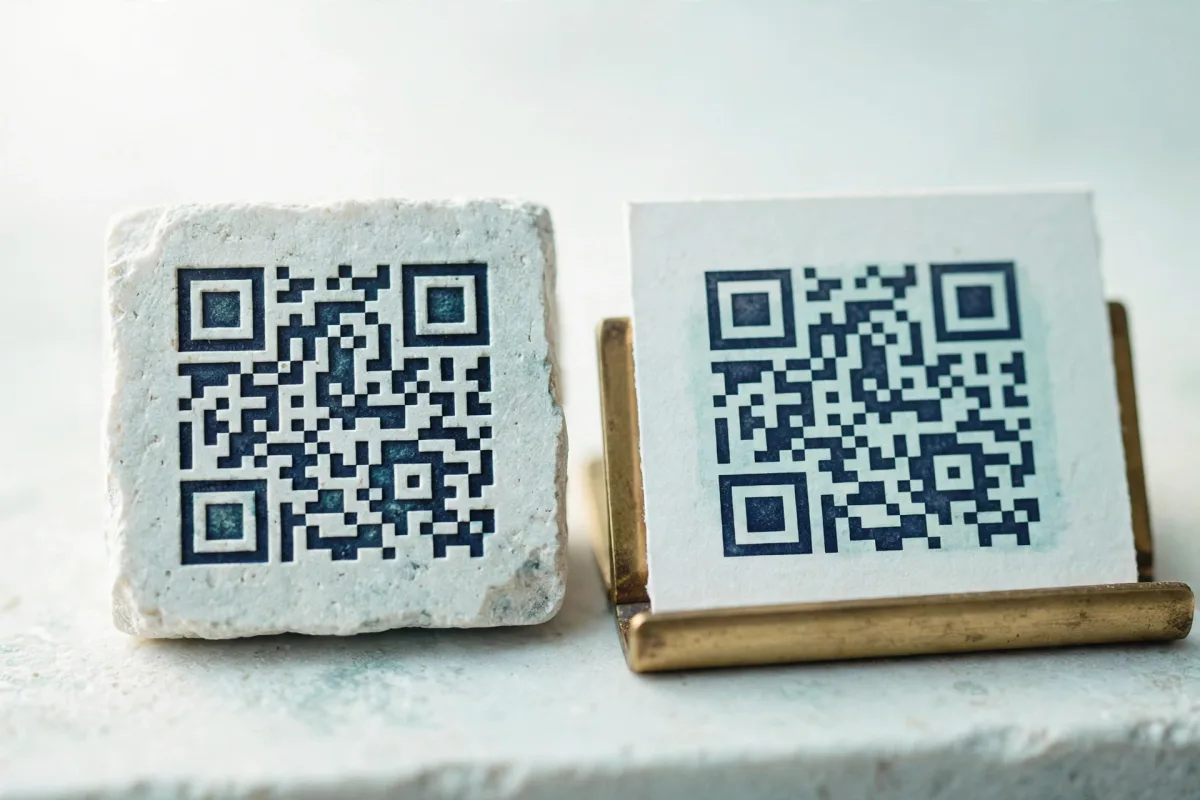
What a static QR code actually is
A static QR code stores your information inside the pattern itself. When you encode a website, a Wi-Fi network or a phone number, those characters are baked directly into the black-and-white modules following the ISO/IEC 18004 standard. There is no middleman. A scanner reads the squares, decodes the text and acts on it — entirely offline, with no server involved.
The practical consequence is the important bit: because the data lives in the image, a static code cannot be changed after printing and cannot expire. No company can switch it off, let it lapse or hold it hostage. Print it on a thousand flyers and it will keep working in ten years exactly as it does today. The trade-off is that you cannot edit the destination later, and you get no built-in scan analytics.
What a dynamic QR code actually is
A dynamic QR code does not contain your real destination. Instead it encodes a short redirect URL pointing at the provider’s server — something like scan.example.com/abc123. When someone scans it, their phone hits that server, which then forwards them to wherever you have currently set the code to point.
That indirection is the whole feature. Because the code only ever points at a redirect, you can change the final destination at any time without reprinting, and the server can log every scan — device, rough location, time. Useful for campaigns. But it also means the code is only as reliable as that server and that subscription. If the provider goes down, changes its pricing, or your plan lapses, the redirect breaks and the printed code becomes a dead end.
The quick test
If decoding the QR code shows your actual link (or Wi-Fi details, or contact card), it is static. If it shows a short, branded redirect URL you do not recognise, it is dynamic and depends on someone else’s server staying online.
Static vs dynamic at a glance
| Static | Dynamic | |
|---|---|---|
| Where the data lives | Inside the code | On a provider’s server |
| Editable after printing | No | Yes |
| Can it expire? | Never | Yes — if the plan lapses or provider closes |
| Scan tracking / analytics | No (use a tracked link) | Yes, built in |
| Needs a subscription | No | Usually, for ongoing use |
| Works offline | Yes | No — needs the redirect to resolve |
| Typical cost | Free | £9/month at OpenQR; vendors vary |
| Best for | Permanent, fixed info | Campaigns you will edit or measure |
When a static code is the right call
For most everyday uses, static is not just adequate — it is the better engineering choice. The information is not going to change, so there is no reason to add a server, a subscription and an expiry risk to the picture.
- Wi-Fi access codes for a home, café or office — see our Wi-Fi QR code guide.
- Business cards and email signatures, covered in QR codes for business cards.
- A link to your website, social profile or app listing that has a stable URL.
- Restaurant menus that point at a permanent menu page rather than a seasonal promo.
- Anything printed at volume where reprinting would be costly or impossible.
When a dynamic code earns its keep
Dynamic codes are worth paying for when editability or measurement is the actual point of the exercise — not a nice-to-have. Think large advertising campaigns where you genuinely will redirect the code mid-flight, packaging that needs to route to different content over a product’s life, or marketing where per-scan analytics drive real decisions. If you are running A/B tests or rotating offers behind one printed code, dynamic is the correct tool.
You can often get the best of both
Point a permanent static code at a URL you control — a page on your own domain or a free short link. You keep a code that never expires while still being able to change where that page sends people. The redirect lives on infrastructure you own, not a vendor’s.
The honest downside of dynamic: lock-in and expiry
A dynamic code is a lease, not a purchase. The moment you stop paying, or the provider raises prices, gets acquired or shuts down, every printed copy of that code can stop working at once. There is no way to fix it without reprinting, because the destination was never in the code to begin with. This is classic vendor lock-in: physical, already-distributed assets held hostage to a recurring bill. It is the part QR vendors tend to underplay.
It is not hypothetical. Plenty of people have discovered that a code on signage or printed stock suddenly leads nowhere after a free trial ended or a subscription was forgotten. If a code needs to last and does not need editing, that risk is pure downside. We cover the mechanics in detail in our guide to free, watermark-free QR codes.
What OpenQR gives you
OpenQR generates static codes entirely in your browser: nothing is uploaded, there is no account, no watermark and no subscription, and because the data is encoded directly into the image the codes never expire. If you do want editable dynamic codes, OpenQR’s free plan includes a dynamic code that stays live indefinitely with 7 days of scan history, and Pro (£9/month or £90/year) lifts both caps, to 25 active codes and a 90-day history window. For Wi-Fi, business cards, menus that point at a stable page, and most real-world uses, static is what you want.
Generate a free static QR codeNo account, no watermark, no expiry — created instantly in your browser.