

Use cases
QR codes for restaurant menus
By OpenQR · updated 24 June 2026
8 min read · Updated 24 June 2026
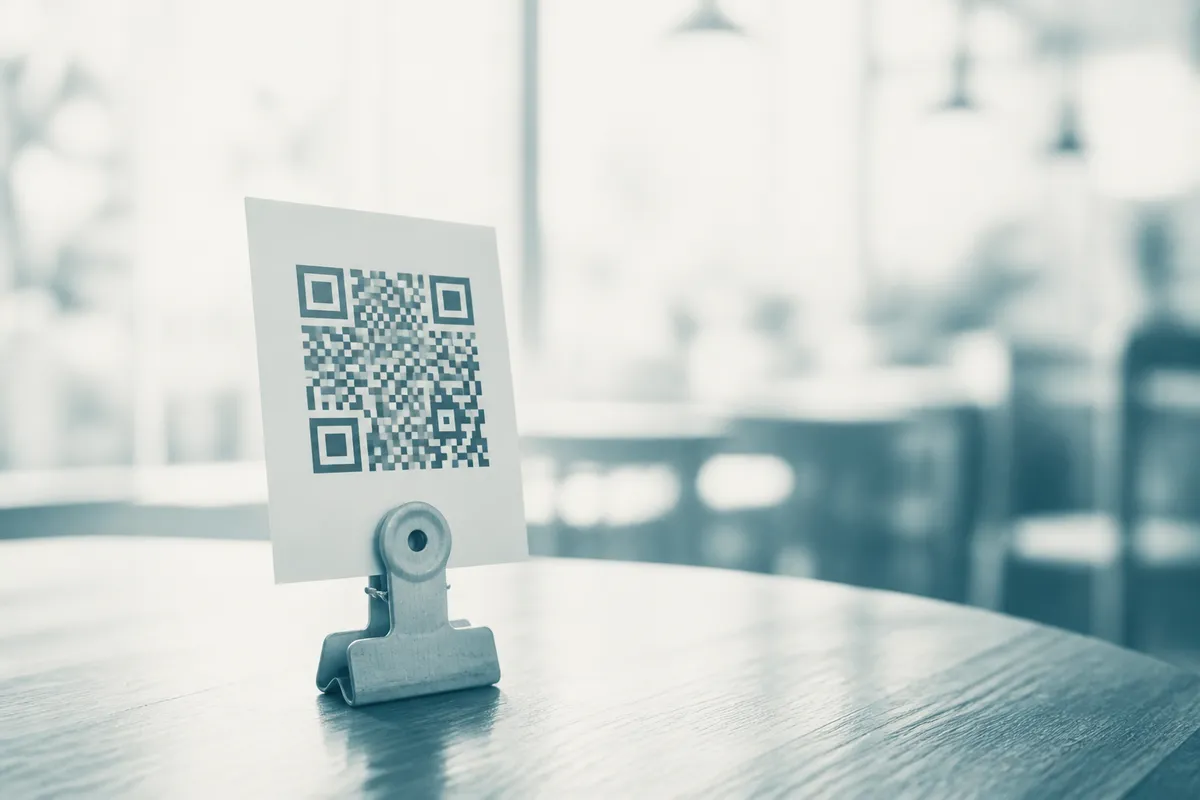
How a QR code menu works
You host your menu at a web address, then create a QR code that points to it. A diner opens their phone camera, points it at the code, and taps the link that pops up — your menu opens in their browser. No app to download, nothing to install. The code itself is just your menu’s web address in scannable form.
Step 1: Put your menu online
The QR code needs a URL to point at. In order of how well they work on a phone:
- A mobile-friendly web page (best): your website’s menu page, a Google Business Profile menu, or a free page builder. Loads fast, easy to read, easy to update.
- A hosted PDF (okay): works, but PDFs pinch-zoom badly on phones and load slowly. Use only if you must.
- An image of the menu (avoid): hard to read and bad for accessibility.
The free way to “update without reprinting”
Point your QR code at a stable URL (e.g. yourcafe.co.uk/menu) and keep that address fixed. You can change the menu behind it as often as you like (prices, specials, seasonal dishes) and the printed code never changes. You only need a dynamic code if you want to change the destination itself or track scans; OpenQR includes 1 free, then Pro at £9/mo.
Step 2: Generate the QR code
- 1
Paste your menu URL
Drop your menu’s web address into the generator below.
- 2
Brand it (optional)
Add your logo and colours, or a “Scan for menu” frame, so it fits your table décor.
- 3
Export for print
Download a vector SVG or PDF for crisp printing at any size — free, no watermark.
Paste your menu link to make a free, watermark-free menu QR code.
What size should a menu QR code be?
Use the 10:1 rule: the code should be at least one tenth of the distance people scan from. On a table that’s ~30 cm away, so:
| Placement | Scan distance | Minimum size | Recommended |
|---|---|---|---|
| Table tent / card | ~30 cm | 2 cm | 2.5–3 cm |
| Window decal | ~1 m | 10 cm | 12 cm |
| Wall poster | ~2 m | 20 cm | 25 cm |
Quiet zone
Leave clear space — at least four “modules” (roughly 10% of the code’s width) — all around the code. Don’t let table-tent edges, text or graphics touch it, or scans will fail.
Do I need a dynamic (paid) menu QR code?
Usually not. A static code pointing at a stable URL is free, never expires, and still lets you change the menu behind it as often as you like. A dynamic code earns its keep only for scan analytics, or for repointing the printed code at entirely different addresses over time.
| Static (free) | Dynamic (subscription) | |
|---|---|---|
| Cost | Free, forever | Ongoing subscription |
| Change the menu content | Yes — update the page behind a fixed URL | Yes |
| Change the destination URL | No — reprint to change | Yes, without reprinting |
| Scan analytics | No | Yes |
| Expiry risk | None — works forever | Codes die if the subscription lapses |
| On OpenQR | Free, unlimited | 1 free, then Pro £9/mo |
For most venues a static code to a stable URL is all you need — it’s free and never expires. Choose dynamic only if you genuinely need scan analytics or to repoint the code to entirely different addresses over time.
Where to place menu QR codes
- Table tents — the classic; one per table, both sides.
- Window decals — let passers-by view the menu before coming in.
- Counter cards — for cafés, takeaways and food trucks.
- Receipts and packaging — for reorders and reviews.
- Your Google Business Profile — link your menu there too.
Allergens, calories and the law
A digital menu doesn’t remove your legal duties. In the UK and EU you must declare the 14 major allergens, and large businesses must show calorie information; US chains have FDA calorie-labelling rules. Make sure your online menu carries the same allergen and calorie information your printed one would — and keep it up to date.
Keep it accessible — always offer a fallback
Not everyone can or wants to scan a code. Some guests are on older phones, some have a flat battery, some find it fiddly, and visually-impaired diners may be excluded entirely. Keep a few paper menus available, make your online menu readable with large text and good contrast, and print a short plain-text link beside the code (e.g. “or visit yourcafe.co.uk/menu”).
Test before the lunch rush
Print one at final size and scan it with several phones (iPhone and Android), in your venue’s actual lighting, from a seated position. It should open in under three seconds. Only then print the full set.
Common mistakes
- Code printed too small for the table distance.
- Glossy lamination causing glare — use a matte finish.
- No quiet zone — the code touches the card edge.
- Linking to a slow, un-optimised PDF instead of a mobile page.
- Forgetting allergen info on the digital version.