

Use cases
QR Codes for Hotels: Wi-Fi, Menus and the Digital Compendium
By OpenQR · updated 30 June 2026
A QR code on the desk joins a guest's phone to your Wi-Fi, opens the breakfast menu and answers the questions that would otherwise reach the front desk by phone. Static codes are free to make and never expire; dynamic codes let you change a destination without reprinting a card for every room. This guide covers Wi-Fi, the digital compendium, menus, local recommendations, check-in details and reviews, and which of those suits which type.
8 min read · Updated 30 June 2026
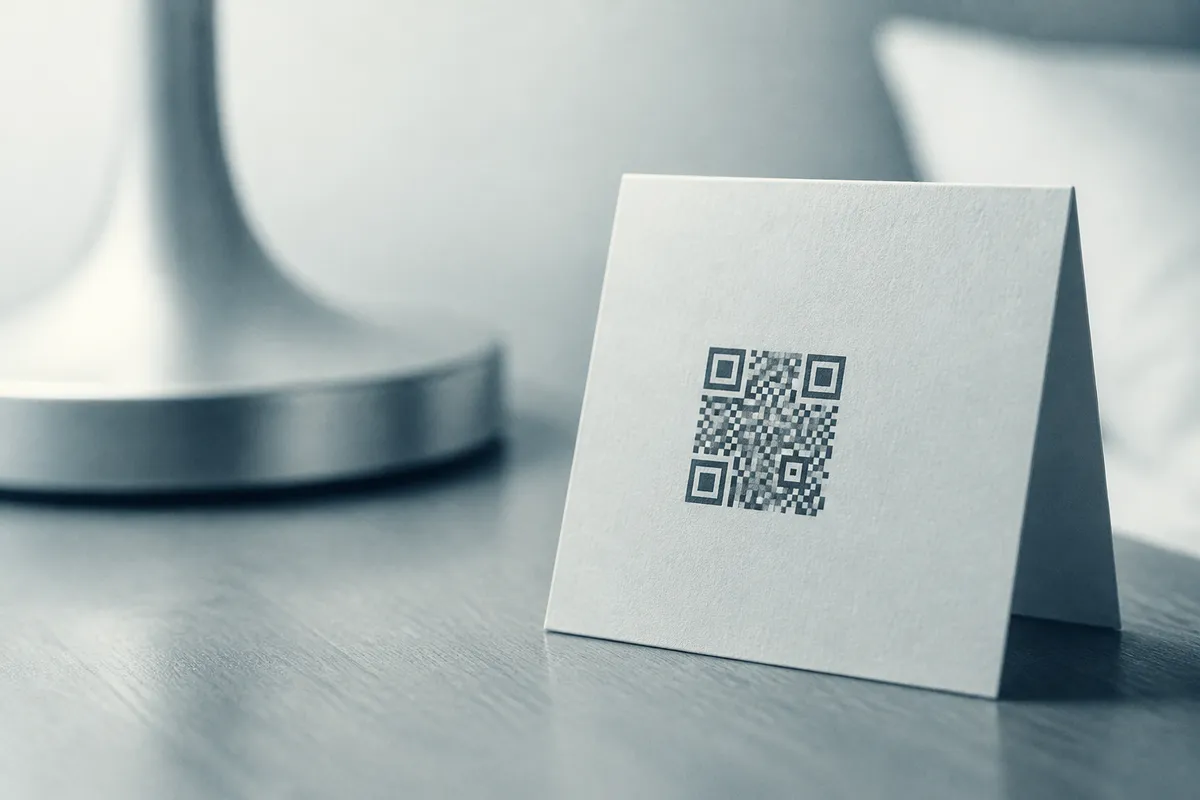
You take the web address of your guest directory, your breakfast menu or your review page, turn it into a code, and print it for the room. A Wi-Fi code stores the network name and password instead, and scanning it joins the network. Because a static code stores the information itself, it is free to create and never expires: a Wi-Fi card on the desk keeps working for years. OpenQR generates static codes in your browser with no watermark, which matters when you are printing the same card for dozens of rooms.
Where QR codes help a hotel
- In-room Wi-Fi: a card on the desk or in the welcome folder that joins the network on a tap, with no password to read out or mistype.
- Digital compendium: replace the printed binder with a link to a guest directory covering house rules, checkout time, breakfast hours, parking and contacts.
- Room-service and breakfast menus: open the current menu on a phone instead of laminating a new card every time prices change.
- Local-area guide: point to a page of your own recommendations for restaurants, walks, taxis and attractions.
- Check-in and check-out info: arrival instructions, key-collection details and late-checkout options on one clear page.
- Feedback and reviews: link to your Google review page or a feedback form at the end of the stay.
- Spa and restaurant bookings: send guests straight to a booking page for the restaurant, spa or activities.
- Contactless concierge: a WhatsApp link that opens a chat with the front desk for questions and requests.
One code, one job
Resist the urge to make a single in-room code do everything. Each code should open one thing: a Wi-Fi code joins the network, a directory code opens the directory. A code that opens a menu of everything asks a tired guest to navigate, and a printed card cannot say which option to pick.
Static or dynamic? The one decision that matters
Hotels print the same card for every room, which makes this the most important choice you will make. A static code holds its information directly and never changes, which suits fixed information such as your Wi-Fi network. A dynamic code points to a short redirect you control, so you can change where it lands at any time without reprinting a single card. For a code that lives in fifty rooms, that is the difference between a five-minute edit and a print run.
| In-room use | Best type | Why |
|---|---|---|
| Wi-Fi join card | Static | Network name and password rarely change; static is free and never expires. |
| Digital compendium / directory | Dynamic | Update opening hours, contacts and policies without reprinting room cards. |
| Room-service / breakfast menu | Dynamic | Prices and dishes change; repoint the code instead of relaminating. |
| Local-area guide | Dynamic | Refresh recommendations as places open and close. |
| Google review request | Dynamic | Swap the destination if your review profile or platform moves. |
Why dynamic codes suit a hotel
A static menu code locked to today's URL means a reprint for every room the moment the kitchen changes a price. A dynamic code lets you edit the destination once and every room card updates instantly. OpenQR's free plan includes 1 dynamic code; Pro (£9 a month or £90 a year) lifts the cap to 25 active codes, which covers a directory, menus and a review code with room to spare. Our explainer on static versus dynamic codes covers the trade-offs in full.
If you only take one thing from this guide: make the codes that might change destination (the directory, menus and local guide) dynamic, and keep the Wi-Fi code static. Dynamic codes also let you see how often each one is scanned, which tells you what guests actually use; our guide on how to track QR code scans explains what those numbers can and can't tell you.
In-room Wi-Fi
Wi-Fi is the request every guest makes, and it is the one QR code job that should always be static. A Wi-Fi QR code stores your network name and password, so a guest joins by scanning a card on the desk: no password read aloud at reception, no typing a long string into a phone keyboard. Print one card per room and keep a copy in the welcome folder. Because the code is static it costs nothing and never expires. Our guide to making a Wi-Fi QR code walks through it step by step.
Reprint if you change the password
A static Wi-Fi code holds the exact password. If you rotate it, every printed card stops working until you reprint. If you change the network password often, link instead to a short page on your own site that shows the current details: then you update the page, not the rooms.
The digital compendium
The printed guest binder dates the moment it is laminated, and it gets thumbed, stained and lost. A digital compendium replaces it with one code that opens a mobile-friendly guest directory: checkout time, breakfast hours, house rules, heating instructions, parking, contact numbers and anything else a guest reaches for. Keep it on a page you control and make the code dynamic, so when breakfast moves from 8am to 7:30am you edit one page and every room is correct that morning. Use the URL QR code generator to point a code at your directory.
Room-service and breakfast menus
Menus change (prices rise, dishes come and go, dietary notes get added), which makes laminated cards a recurring cost. A menu QR code in the room opens the current menu on the guest's own phone, and a dynamic code means you update the link once rather than reprinting for every room. The same approach works in a hotel restaurant or bar; our restaurant menu guide covers table placement, file formats and keeping the menu page fast on mobile, and the menu QR code generator gets you started.
Local guides, bookings and the contactless front desk
A code that opens your own list of local recommendations (the good coffee, the walk worth doing, a reliable taxi number) is a small touch guests remember, and a dynamic code lets you keep it current as places change. Pair it with codes that send guests straight to your restaurant or spa booking page, and a WhatsApp QR code that opens a chat with the front desk so a guest can ask for towels or a late checkout without picking up the phone. Each one does a single, obvious job.
Feedback and review requests
The end of a stay is the natural moment to ask for a review. A code on the checkout card or by the door that opens your Google review page makes it a two-tap job while the stay is fresh. Keep this one dynamic so you can repoint it if your review profile or platform ever moves, and use the Google review QR code generator to create it. A short caption such as “Enjoyed your stay? Leave us a review” tells the guest what the code does before they scan it.
Add a short caption
A bare code asks a guest to take it on trust. “Scan to join Wi-Fi”, “Scan for the guest directory” or “Scan to view tonight's menu” says what happens on the other end, so the guest does not have to scan to find out.
Events, conferences and signage
Hotels that host weddings, conferences and meetings can use larger codes on signage and lecterns to share an event schedule, a seating plan, the venue Wi-Fi or a feedback form. These are read from a distance, so they need to be sized for the room rather than the desk: see our article on QR codes for events and posters for stand and banner sizing, and the placement rules below.
Placement and sizing for the room
Where a code lives changes how big it needs to be. The reliable guide is the 10:1 rule: the printed code should be at least one tenth of the distance people scan it from. A card sitting on the desk in front of a seated guest can be small; a code on a lobby pull-up banner read from across the room must be much bigger.
| Placement | Scan distance | Minimum code size |
|---|---|---|
| In-room desk / welcome card | 0.3 m | 3 cm |
| Door or wall notice | 0.5 m | 5 cm |
| Reception / lobby poster | 1 m | 10 cm |
| Pull-up banner or event sign | 2 m | 20 cm |
- Leave a clear margin (the quiet zone) of at least four modules of empty space around the code, so it never touches text or a border.
- Keep strong contrast: a dark code on a light background scans best. Avoid printing the code over a photo or a busy brand pattern.
- Print on matt rather than gloss where you can, because glossy desk cards catch glare under warm room lighting and become hard to scan.
- Place desk cards upright in a holder or stand them at a slight angle, so a guest can scan without lifting and tilting the card.
- Mount door and wall notices between waist and eye height so a phone reaches them comfortably.
For large print such as lobby posters and banners, use a vector file so the code stays crisp at any size: our format guide explains when to use SVG, PDF or PNG, and the size-for-print guide covers the maths. If you want the code to carry your hotel logo, you can place one in the centre using a higher error-correction level (see our guide to QR codes with a logo).
Printing once for many rooms
The economy of QR codes in a hotel comes from printing the same card many times, so consistency matters. Design one clean desk card per use (Wi-Fi, directory, menu), export it once, and use that same file for every room. Keeping the room codes dynamic means a single design can stay in service for years even as menus and policies change behind it, because you edit the destination rather than the artwork. Settle the design and test it before you commit to a full print run.
Test before you print
A card printed for every room cannot be fixed once it is out there, so check the final artwork first:
- 1
Scan the exported file
Test the actual file you will print, on both an iPhone and an Android phone.
- 2
Confirm the destination works
Make sure the Wi-Fi joins, and the directory, menu or review page opens and reads well on a phone.
- 3
Check the quiet zone
Ensure no text or artwork creeps into the clear margin around the code.
- 4
Test in the room
Print a proof and scan it from where a guest will sit, under the actual room lighting.
- 5
Print one card, then the run
Approve a single finished card before committing to the full set for every room.