

Use cases
QR Codes for Small Businesses
By OpenQR · updated 24 June 2026
A static QR code costs nothing to make and keeps working for as long as the page behind it stays live, which makes it the cheapest print-to-web link a small business can add. A code on a receipt, window or counter turns a one-off customer into a review, a follow or a repeat sale. This guide covers the nine uses worth setting up, how to make the first one today, and the mistakes that stop codes being scanned.
9 min read · Updated 24 June 2026
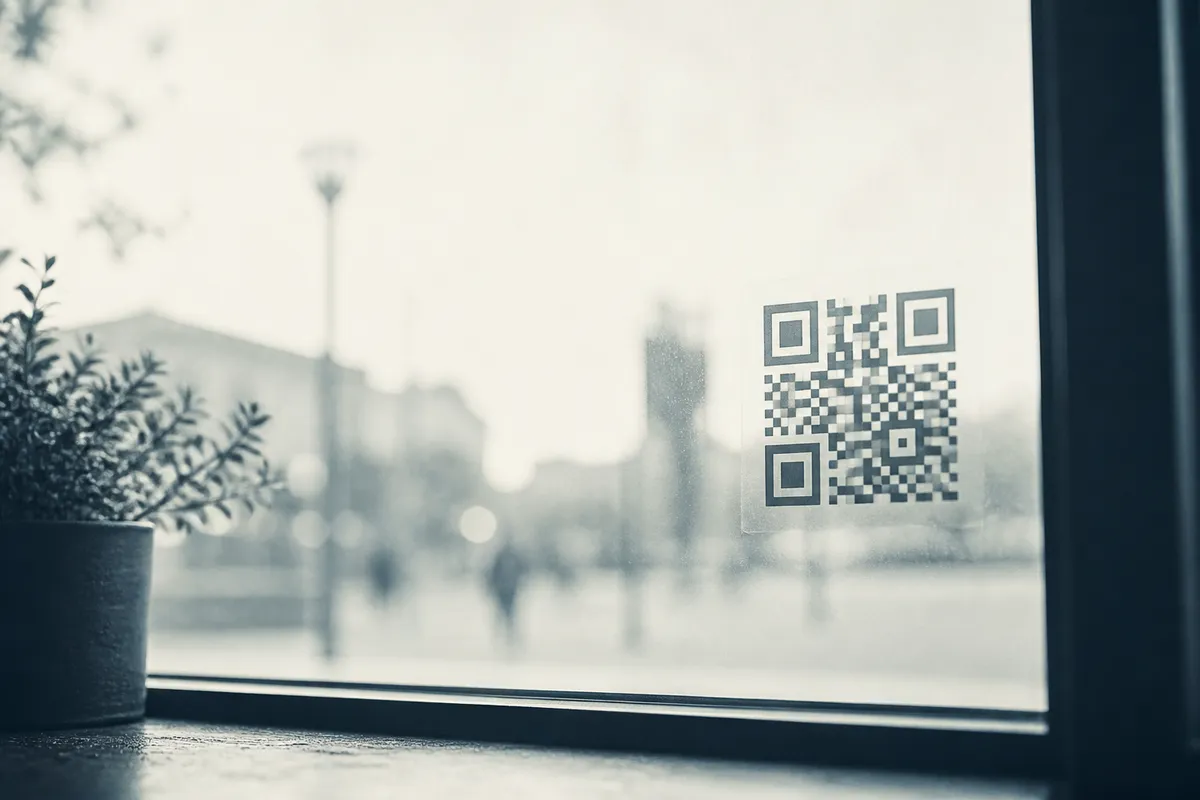
Point a phone camera at a QR code and it opens whatever you encoded: a review page, a payment link, a menu, your contact details. Because a static QR code stores that destination itself, it is free to create, never expires and keeps working for as long as the page behind it stays live. For a small business that is the whole appeal: no subscription, no expiry, no per-scan fee.
Nine practical uses across retail and services
You do not need all of these. Pick the two or three that match how customers already behave in your business, and put the code where that behaviour happens.
- Collect reviews: a code at the counter or on the receipt that opens your Google review page. Catch people while they are happy and still in the shop.
- Take payments: link to a payment or invoice page so customers pay from their phone without cash or a card terminal.
- Show a menu or price list: for cafes and salons, a code replaces reprinting laminated menus; see our menu QR code guide (and QR codes for hotels for room-service and guest-info menus).
- Run loyalty and offers: a code that opens a discount, stamp card or sign-up form rewards repeat visits.
- Share contact details: a code that saves your number, email and address straight to a phone's contacts; the same code works in your email signature.
- Grow your socials: point a window or counter code at your Instagram or newsletter to turn footfall into followers.
- Promote bookings: link a poster to your appointment system so people reserve on the spot.
- Connect to Wi-Fi: a guest Wi-Fi code keeps customers in their seats and online; our Wi-Fi guide shows how.
- Hand over information: link a flyer or packaging to instructions, a warranty page or an FAQ.
Reviews first
If you only use one QR code, make it a review link. Most happy customers never leave a review because finding the page is fiddly. A counter code that opens your review page directly removes the steps between rating the visit and writing about it.
What a static QR code costs
A static QR code costs nothing, has no recurring fee, and works on every modern phone with the built-in camera (no app required). Unlike paid ads, the cost does not scale with use: one printed code keeps working for as long as the page behind it stays live, and scans cost nothing however many there are. The only spend is printing, and even that piggybacks on materials you already have, such as receipts, packaging, windows and business cards. If you want to change a destination after printing, that is a dynamic QR code: free for 1 per account on OpenQR, then Pro at £9 a month or £90 a year.
| Placement | Best link target | Why |
|---|---|---|
| Receipt or till | Google review page | Customer is happy and the visit is fresh |
| Counter card | Payment or booking page | Removes friction at the point of decision |
| Shop window | Instagram or current offers | Captures passers-by out of hours |
| Table or wall | Menu or price list | No reprinting when prices change |
| Business card | Saved contact details | One tap to add you to their phone |
| Packaging or flyer | Instructions or loyalty sign-up | Adds value after the sale |
How to set up a small business QR code
From idea to a printed code:
- 1
Pick one job
Decide exactly what the code does (reviews, payment, contact) and find the exact URL it should open.
- 2
Generate a static code
Paste the link into the generator and create a free, no-expiry code in your browser.
- 3
Download the right format
Use SVG or PDF for anything printed large and a 300 DPI PNG for small cards and screens; see our format guide.
- 4
Add a clear prompt
Place a short instruction beside it, such as “Scan to leave a review”, so people know what they get.
- 5
Test before you print
Scan with both an iPhone and an Android, then print a batch once the link is confirmed.
Use a stable link you control
Point the code at a permanent URL on your own domain or platform rather than a long tracking link. If a destination changes later, update the page behind that URL so the printed code never breaks.
Sizing and format for print
Size follows distance. The reliable guide is the 10:1 rule: the printed code should be at least one tenth of the distance you expect people to scan from. A counter card read from arm's length needs only a few centimetres; a window code read from the pavement needs to be far larger. Never go below about 2 cm, and always leave a clear margin of empty space (the quiet zone) of at least four modules around the code. For the full method see our size guide, and use a vector file for large prints as our format guide explains.
Mistakes to avoid
- Sending every scan to the homepage instead of the page that matches the placement.
- Leaving no prompt beside the code, so customers do not know why they should scan.
- Printing codes too small, over a busy photo, or with no white margin around them.
- Using a code that quietly expires (see our explainer on whether QR codes expire before signing up to a paid tool you do not need).
- Never testing the link again after a website change.
- Recolouring a code so heavily that contrast dies: read how colours affect scanning before branding a code.
For more campaign ideas, see our roundup of QR code marketing ideas. If you want a branded code with your logo, our guide on adding a logo shows how to do it without breaking the scan, and if you work in a trade, read our piece on QR codes for tradespeople.
Create a free small business QR codeStatic, free and watermark-free: generated in your browser, ready to download.