

Use cases
QR code marketing ideas
By OpenQR · updated 24 June 2026
10 min read · Updated 24 June 2026
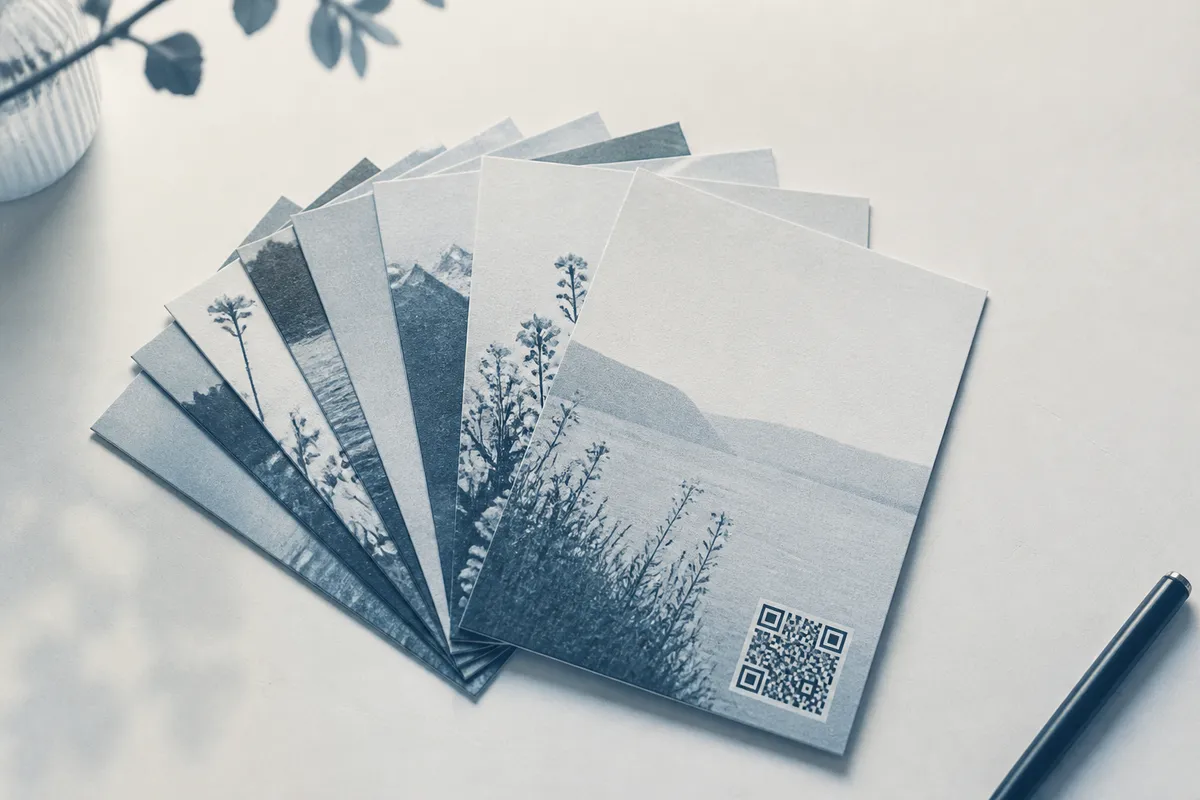
15+ QR code marketing ideas
Each of these is just a code pointing at a web page, so it works with whatever tools and pages you already have. Pick the ones that fit where your customers already look.
Sixteen ideas, from print surfaces to digital touchpoints.
- 1
1. Product packaging
Link to setup instructions, how-to videos, ingredient details or a reorder page. Buyers already have the box in hand — meet them there.
- 2
2. Posters and flyers
Send people from a glance at a poster to tickets, a sign-up or a landing page, without them remembering a URL.
- 3
3. Receipts
Print a code asking for a review, offering a loyalty sign-up, or giving a discount on the next visit.
- 4
4. Business cards
Replace a typed URL with a code to your portfolio, booking page or contact details — one tap and you’re saved.
- 5
5. Shop windows and counters
Capture passers-by and waiting customers with “scan to follow”, “scan for offers” or “scan to order”.
- 6
6. Event signage and stands
Codes on banners, booths and lanyards link to schedules, demos, brochures or a lead-capture form.
- 7
7. Restaurant menus
A table code opens an up-to-date digital menu — easy to change and far cheaper than reprinting.
- 8
8. Social follow codes
Turn print into followers by linking to your Instagram, TikTok or a single link-in-bio page.
- 9
9. Review collection
Point to your Google or Trustpilot review page right when satisfaction is highest — at the table, in the box or on the receipt.
- 10
10. Lead magnets
Offer a free guide, checklist, sample or discount in exchange for an email — the code links to the sign-up.
- 11
11. Direct mail and inserts
Bridge a postcard or catalogue to your shop with a code that drops people straight onto a product or offer page.
- 12
12. Vehicle and outdoor branding
Van wraps, A-boards and billboards can carry a large code to your site — sized for the distance people read it from.
- 13
13. Trade-show handouts and brochures
Save paper and link to a digital catalogue, spec sheet or video demo that you can keep current.
- 14
14. Loyalty and re-engagement
Codes on cups, bags or cards enrol customers in a loyalty scheme or bring them back with a return offer.
- 15
15. Competitions and giveaways
A code on packaging or a poster routes entrants to a contest page — easy to run, easy to share.
- 16
16. App downloads and feedback
Send people to the right app store, a survey or a support page from any physical touchpoint.
Start with the action, not the code
Decide what you want someone to do — buy, follow, review, sign up — then choose the surface and the page. The QR code is just the shortcut; the offer is what does the work.
Match the code to the goal
A quick reference for what to link to, and the surfaces where each idea performs best.
| Goal | Link to | Best surfaces |
|---|---|---|
| More sales | Product or offer landing page | Packaging, mailers, posters |
| More followers | Social profile or link-in-bio | Windows, packaging, business cards |
| More reviews | Google / review profile | Receipts, table cards, inserts |
| More leads | Lead-magnet sign-up form | Flyers, event stands, brochures |
| Easier ordering | Digital menu or shop | Tables, counters, stickers |
| Fewer support calls | How-to video or FAQ page | Packaging, manuals, labels |
Best practices that make codes scan and convert
A good campaign code is reliable first and pretty second. These rules keep your scan rate up.
- Always add a clear prompt. Tell people what they get: “Scan for 10% off”, “Scan to book”, “Scan to leave a review”.
- Keep strong contrast. Use a dark code on a light background; brand colours are fine if they stay dark enough.
- Respect the quiet zone. Leave at least four modules of clear space on all sides so the scanner can lock on.
- Size for the scanning distance. A bigger surface seen from further away needs a much larger code.
- Use vector files for print. SVG or PDF stays sharp at any size, from a card to a billboard.
- Make the landing page mobile-first. People scan on phones — the page they land on must load fast and read well on a small screen.
- Test on several phones. Do it before any print run, including in lower light.
Don’t skip the test print
The most expensive mistake in QR marketing is printing thousands of a code nobody checked. Print one proof at final size, scan it on a couple of devices, and only then run the batch.
Call-to-action copy you can borrow
The words next to the code matter as much as the code. Each line names a reward and a single action.
- “Scan to save 10% on your first order.”
- “Scan to book a table in seconds.”
- “Scan to leave a quick review — it really helps.”
- “Scan for the free setup video.”
- “Scan to follow for offers and behind-the-scenes.”
- “Scan to download your free guide.”
- “Scan to reorder in one tap.”
How to measure success
You can’t improve what you don’t track. A static code can’t count scans by itself, but you can still measure outcomes.
- Use a dedicated landing page or link for each campaign and read its traffic in your analytics — every visit from that page is effectively a scan.
- Add UTM tags to the URL you encode (such as utm_source=poster) so scans show up clearly in your analytics tool.
- Use a unique discount or promo code on the landing page so redemptions tie back to the campaign.
- Compare conversions, not just scans — sign-ups, sales or reviews matter more than raw taps.
- Split-test placements and wording by giving each its own link, then keep what wins. OpenQR's campaign builder makes the split explicit: one shared destination, a labelled dynamic code per placement, scan counts kept apart by placement.
Static is enough for most campaigns
You don’t need an expensive dynamic code subscription to measure results. A static code pointing at a tagged URL on a page you control gives you tracking through your own analytics — free and with no expiry.
Where to go next
Several of these ideas have their own deep dives. For restaurants and cafés, see the guide to QR codes for restaurant menus. For posters, stands and signage, read QR codes for events and posters, and for growing a social following from print, see QR codes for Instagram. When you’re ready to brand a code, the guide to a QR code with a logo shows how to add a mark without breaking the scan.