

Use cases
QR Codes for Real Estate: For-Sale Signs, Window Cards and Brochures
By OpenQR · updated 24 June 2026
A property listing has seconds to catch a passer-by. A QR code on a for-sale sign opens the photos, the floor plan or the virtual tour without anybody typing a URL at the kerb. This guide covers where QR codes work in estate agency, how big they need to be on a yard sign, and what each one should link to.
8 min read · Updated 24 June 2026
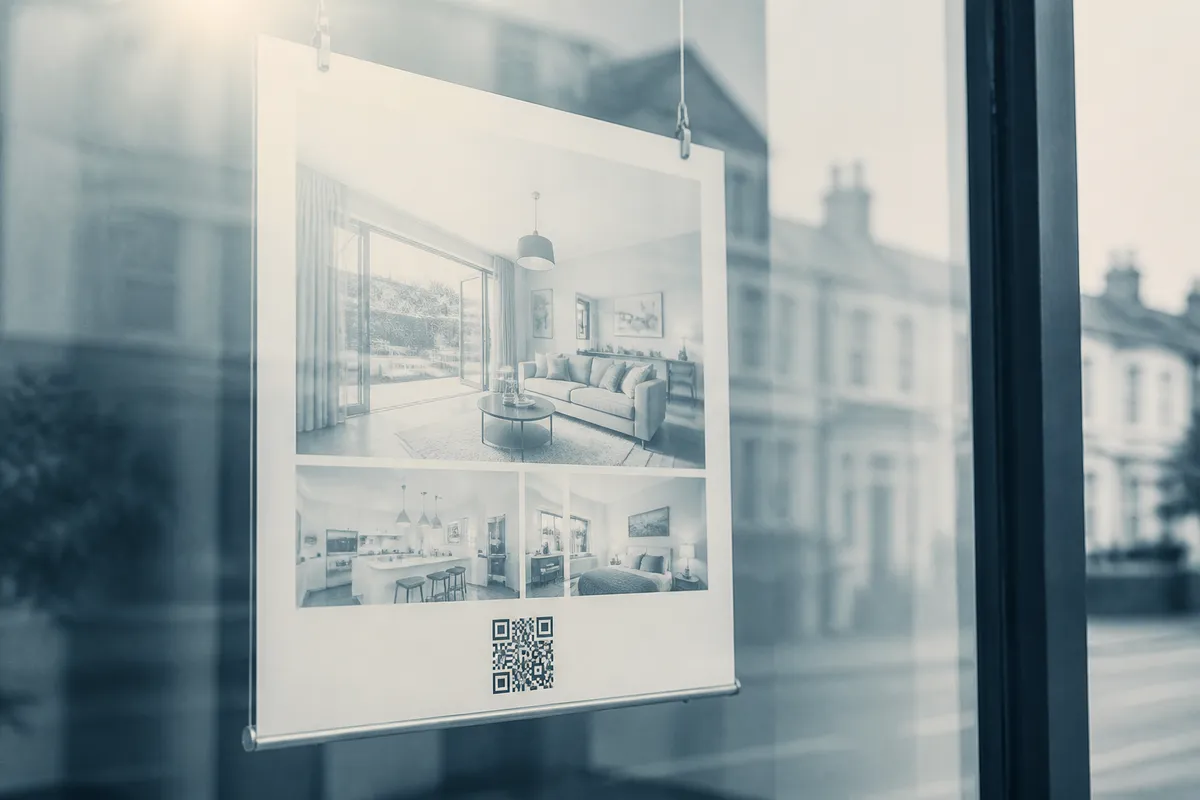
Point a phone camera at a QR code and it opens whatever you encoded, most often the web page for one property. Because a static QR code stores the address itself, it is free to make, never expires and works for as long as the page it points to stays live. That suits print marketing that may sit in a window or on a verge for weeks.
Where QR codes work in estate agency
Not every surface needs one, but a handful of touchpoints reliably produce scans. The common thread is that the buyer is interested but cannot easily act: they are outside the property, walking past the office, or holding a brochure away from a desk.
- For-sale and to-let signs: the code sits where the buyer is already looking at the property, so a scan opens the listing while interest is live.
- Window cards: let people browse full galleries and floor plans outside opening hours, when the office is shut.
- Brochures and property particulars: link to a video walkthrough or 360° tour that print cannot show.
- Open-house boards and flyers: capture details or registrations from visitors on the day.
- Email signatures and business cards: see our guide on QR codes for business cards for the agent‑level approach.
What each estate agency QR code should link to
The biggest mistake is sending every scan to a generic agency homepage. The person scanning is interested in this property right now, so the destination should match that intent.
| Placement | Best link target | Why |
|---|---|---|
| For-sale sign | The property's listing page | Buyer is at the property and wants details immediately |
| Window card | Full photo gallery and floor plan | Out-of-hours browsing with no agent present |
| Brochure | Virtual tour or video walkthrough | Adds what print cannot show |
| Open-house flyer | Registration or enquiry form | Captures a warm lead on the day |
| Business card | Agent profile or current listings | Personal follow-up after a viewing |
Use a clean, stable URL
Point the code at a permanent listing URL rather than a long tracking link. If the page might move, keep a short redirect under your own domain so the printed code never breaks. Either way, test the final link before it goes to print.
Sizing a QR code for a yard sign
Outdoor signs are scanned from further away than a brochure, so size matters. The reliable guide is the 10:1 rule: the printed code should be at least one tenth of the distance you expect people to scan from. A buyer on the pavement might scan a for-sale sign from around two metres, which means a code of roughly 20 cm across.
| Scan distance | Minimum code size | Typical placement |
|---|---|---|
| 0.3 m | 3 cm | Brochure in hand |
| 1 m | 10 cm | Window card up close |
| 2 m | 20 cm | For-sale sign from the pavement |
| 3 m | 30 cm | Large board across a front garden |
Never go below about 2 cm even for the closest scans, and always leave a clear margin of empty space (the quiet zone) of at least four modules (roughly four of the smallest squares) around the code. Phones struggle to lock onto a code that runs right up to a border or busy artwork. For the full method see our guide to QR code size for print.
Watch contrast and weather
Outdoor codes need strong contrast (a dark code on a light background) and a matt or laminated finish. Glossy signs in direct sun reflect glare that defeats the camera, and a code printed across a photo of the house rarely scans.
Choosing the right file format
For anything printed large, use a vector file (SVG or PDF) so the code stays sharp at any size. A small PNG stretched up to fit a board turns blurry and may fail to scan. For on-screen use, such as a window display or an email, a high-resolution PNG at 300 DPI is fine. Our format guide explains when to use each.
Creating a property QR code from start to print:
- 1
Finalise the listing URL
Confirm the page is live and the link will not change. Copy the exact address.
- 2
Generate the code
Paste the URL into a URL QR code generator and create a static code.
- 3
Download in vector for print
Choose SVG or PDF for signs and brochures; PNG at 300 DPI for screens.
- 4
Size it correctly
Apply the 10:1 rule and keep the quiet zone clear of artwork.
- 5
Test on real phones
Scan it with both an iPhone and an Android device, ideally at the real distance, before it goes to print.
Branding the code
You can drop your agency logo into the centre of a QR code without breaking it, provided you use a higher error-correction level. See our guide on adding a logo to a QR code if you want branded codes across your signage.
Habits that keep property QR codes working
- Add a short prompt next to the code, such as “Scan for the full gallery and floor plan”, so people know what they get.
- Keep one code per property; a single sign cluttered with several codes confuses scanners.
- Re-test the link weekly while a property is live, in case the listing page is updated or pulled.
- Track scans with a campaign tag in the URL so you can see which signs and brochures perform.
- Reprint promptly if a property goes under offer and you redirect the code elsewhere.