

Basics
Are QR codes safe? What to watch for, and how to scan with confidence
By OpenQR · updated 24 June 2026
9 min read · Updated 24 June 2026
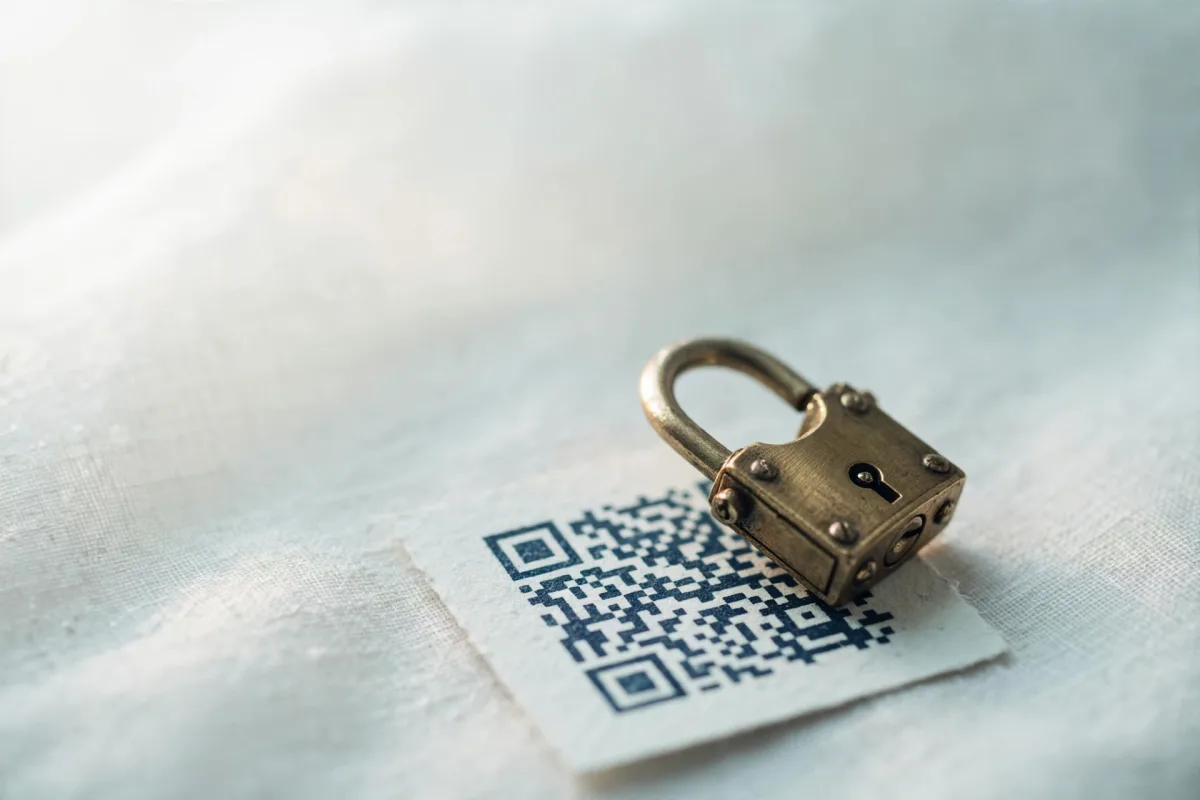
A QR code cannot install anything on your phone or hand over your data by being scanned. It is a passive pattern of squares defined by the ISO/IEC 18004 standard: scanning one simply decodes the text inside, most often a URL, and nothing runs on its own. The danger appears only if that URL leads somewhere malicious and you then act on it. The worry is understandable, because a code hides its destination until you scan it. For a primer on how the codes themselves work, see what a QR code is.
The code is inert; the destination is the risk
Think of a QR code like a printed link. Reading the link is harmless. The question is always whether the page it opens is trustworthy and whether you should type your details into it.
The real risks
There are a handful of genuine threats, and they all come down to a bad actor controlling where the code points.
Quishing (QR code phishing)
Quishing is phishing delivered through a QR code. Instead of a dodgy link in an email, the attacker hides it inside a code, hoping you will scan and trust it. The page that opens looks like a real login or payment screen and tries to harvest your credentials or card details. Because a QR code hides its destination until you scan it, people are often less suspicious than they would be of a raw link.
Tampered stickers
A classic physical attack: someone prints a malicious code on a sticker and places it over a legitimate one — on a parking meter, a restaurant table, a poster or an EV charger. You scan what looks like the official code but land on the attacker's page. This is one of the most common real-world QR scams precisely because it needs no technical skill.
Misleading or shortened links
Some codes use link shorteners or redirects that obscure the true destination. That is not malicious in itself — plenty of legitimate dynamic QR codes route through a provider's short link so the owner can edit or track them. But it does mean the preview URL may not tell you the final page, so a little extra caution is warranted.
How to scan safely
A few simple habits remove almost all of the risk.
- 1
Preview the link before opening
Most modern phone cameras show the destination URL as a banner before you tap it. Read it. If it looks unrelated to where you are or full of random characters, do not open it.
- 2
Check the domain carefully
Scammers use look-alike domains (think 'paypa1' instead of 'paypal'). Confirm the spelling matches the real organisation before trusting the page.
- 3
Be wary of codes asking for payment or login
Legitimate menus, brochures and Wi-Fi codes rarely need your password or card. If a scanned page immediately demands sensitive details, stop and verify through the official website or app instead.
- 4
Inspect the physical code
Look for a sticker placed over another, a code that is slightly misaligned, or one stuck on in a spot that seems off. When in doubt, ask staff or use the official app rather than scanning.
- 5
Use your phone's built-in camera
There is no need for a third-party scanner app, and many are stuffed with ads or trackers. Native camera scanning is safer. Our guide to how to scan a QR code covers this on both iPhone and Android.
How to tell a code is genuine
You cannot judge a QR code by how it looks — every code is just squares. Instead, judge the context and the destination:
- Does the URL match the brand? A code on a coffee shop table should lead to that shop's domain, not a random site
- Is the code part of the original print? A code printed directly into a menu or poster is far harder to tamper with than a stuck-on sticker
- Is there a visible sticker over something else? Peel-back edges or a code that does not match the surrounding design are red flags
- Does the page behave as expected? An unexpected login prompt, download or payment request is a warning sign
Print yours directly, not on a sticker
If you are publishing codes, printing them into the design rather than on removable stickers makes them much harder to swap. It is a simple way to protect the people scanning your codes.
Are the codes you create with OpenQR safe?
Yes. When you generate a code with OpenQR, it is a static code created entirely in your browser. The data you enter — a URL, Wi-Fi details, contact card — is encoded directly into the image on your own device. Nothing is uploaded to a server, there is no redirect in the middle, and there is no account harvesting your information. The code points straight to whatever you typed and nothing else. You don't have to take that on trust: the generator is open source, and you can confirm in your own browser that nothing you type is transmitted.
That in-browser, static approach has a real safety benefit. Because there is no intermediary link, there is no provider that could later change your code's destination, expire it, or be compromised — issues that can affect dynamic codes (see static vs dynamic QR codes). What you encode is what people get, permanently and for free, as covered in our no-watermark generator guide.
A code is only as safe as the link inside it
Generating safely is half the job. If you point a code at a page, make sure that page itself is trustworthy and served over HTTPS. The people scanning will judge your code by where it lands.
Quick safety checklist
| If you are... | Do this |
|---|---|
| Scanning a code | Preview the URL, check the domain spelling, use the native camera |
| At a venue or on the street | Watch for stickers placed over the original code |
| Asked to log in or pay | Verify via the official site or app first |
| Publishing your own code | Print it into the design, point it at an HTTPS page you control |
| Wanting full control | Use a static code so no third party can change the destination |
QR codes are safe technology, used every day by billions of people: an open ISO standard that every modern phone reads natively. Treat a scanned link with the same scepticism you would give any link in an email, and scanning carries no more risk than ordinary browsing.
Create a safe, static QR codeMade entirely in your browser. No server, no tracking, no account.