

Use cases
QR Codes for Gyms and Fitness Studios
By OpenQR · updated 24 June 2026
A QR code at the studio door books the next class, a code on each machine plays a form video, and a code at the exit opens your review page, all without a member typing on a phone mid-workout. Static QR codes are free to create and never expire, so printed signage and machine stickers keep working for months. This guide covers the six placements that get scanned in a gym, what each one should link to, and the sizes that survive a busy floor.
8 min read · Updated 24 June 2026
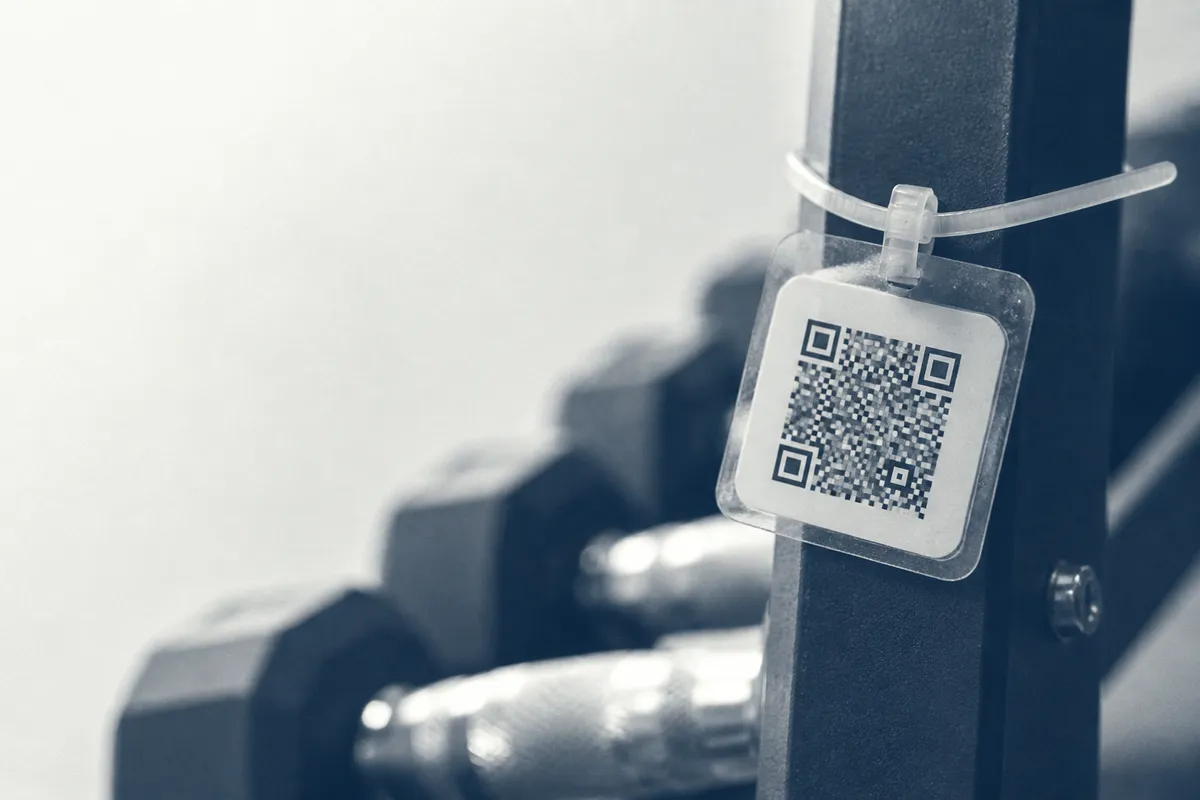
Point a phone camera at a QR code and it opens whatever you encoded: a booking page, a video, a Wi-Fi connection. Because a static QR code stores the destination itself, it is free to create, never expires and keeps working for as long as the page behind it stays live. That is what makes it the right type for signage and equipment that stays in place for months.
Where QR codes work in a gym
Not every wall needs a code. The placements that pay off share one thing: the member is interested but cannot easily act because their hands are busy or their phone is awkward to type on. Match the code to that moment.
- Class booking: a poster by the studio door or on the timetable that opens your booking system, so members reserve the next session on the spot.
- Membership signup: at reception, on the window and on flyers, linking straight to the join page for walk-ins and passers-by.
- Equipment tutorials: a small code on each machine that opens a short video showing correct form and settings.
- Guest Wi-Fi: a code that connects members automatically, covered in our Wi-Fi QR code guide.
- Feedback and reviews: at the exit, where a quick scan opens a one-tap review or short survey.
- Social and app downloads: in the changing rooms and on receipts, pointing to your Instagram, app or newsletter.
Matching each gym QR code to its placement
The common mistake is sending every scan to the gym homepage. The person scanning has a specific intent based on where they are standing, so the destination should match it.
| Placement | Best link target | Why |
|---|---|---|
| Studio door / timetable | Class booking page | Member wants the next session while standing there |
| Reception / window | Membership signup page | Captures walk-ins and passers-by deciding to join |
| On each machine | A short form-and-settings video | Hands-free coaching at the point of use |
| Cafe / lobby | Guest Wi-Fi connection | Removes typing a long password |
| Exit door | Review or feedback form | Catches the member while the visit is fresh |
| Changing rooms | Instagram or app download | Idle moments are when people follow and share |
Add a one-line prompt next to every code
A bare code gets ignored. A short instruction such as “Scan to book your next class” or “Scan for a 30-second how-to” tells people what they get before they point the camera.
Equipment tutorials: one code per machine
New members are intimidated by unfamiliar machines, and staff cannot demonstrate every one. A small code on each piece of kit that opens a 20–40 second clip of correct setup and form solves this without a trainer present. Keep the videos short, hosted on a stable page, and shot from the member's point of view. It is also a soft sell for personal training: end each clip with an offer to book a session.
Keep the link stable
Point codes at a permanent URL on your own domain rather than a long sharing link. If a video moves, update the page behind that URL and the printed code keeps working: you never have to reprint the sticker on the machine.
Sizing and printing for the gym floor
Distance decides size. The reliable guide is the 10:1 rule: the printed code should be at least one tenth of the distance you expect people to scan from. A code on a machine scanned from arm's length needs only a few centimetres, while a studio poster read from across the room needs to be far larger.
| Scan distance | Minimum code size | Typical placement |
|---|---|---|
| 0.3 m | 3 cm | Sticker on a machine |
| 1 m | 10 cm | Reception desk card |
| 2 m | 20 cm | Studio door poster |
| 3 m | 30 cm | Large wall banner |
Never drop below about 2 cm even for close scans, and always leave a clear margin of empty space (the quiet zone) of at least four modules (roughly four of the smallest squares) around the code. Use a matt or laminated finish, because glossy posters under gym lighting throw glare that defeats the camera. For the full method see our guide to QR code size for print, and for sharp large prints use a vector file as explained in our format guide.
Creating a gym QR code from start to print:
- 1
Pick one clear destination
Decide exactly what this code does (book a class, connect to Wi-Fi, open a tutorial) and confirm the page is live.
- 2
Generate a static code
Paste the URL or Wi-Fi details into the generator and create a free, no-expiry code.
- 3
Download in the right format
SVG or PDF for large posters and banners; a 300 DPI PNG for small machine stickers and screens.
- 4
Size it to the placement
Apply the 10:1 rule and keep the quiet zone clear of artwork and borders.
- 5
Test on real phones
Scan with both an iPhone and an Android at the real distance, under gym lighting, before printing a batch.
Mistakes to avoid
- Sending every scan to the homepage instead of the page that matches the placement.
- Printing codes too small for the distance, or running them over a busy photo with no white margin.
- Cluttering one sign with several codes: members do not know which to scan, so keep it to one.
- Forgetting to re-test links after a timetable change or a website update.
- Skipping a short prompt, so people walk past a code they do not understand.
For more ways to turn print and signage into action across your business, see our roundup of QR code marketing ideas. You should also read our piece on why a QR code might not scan so you can troubleshoot on the spot, and our guide to static versus dynamic codes if you want to track scans per location.
Create a free gym QR codeStatic, free and watermark-free: made in your browser and ready to download.