

Use cases
QR codes for weddings
By OpenQR · updated 24 June 2026
8 min read · Updated 24 June 2026
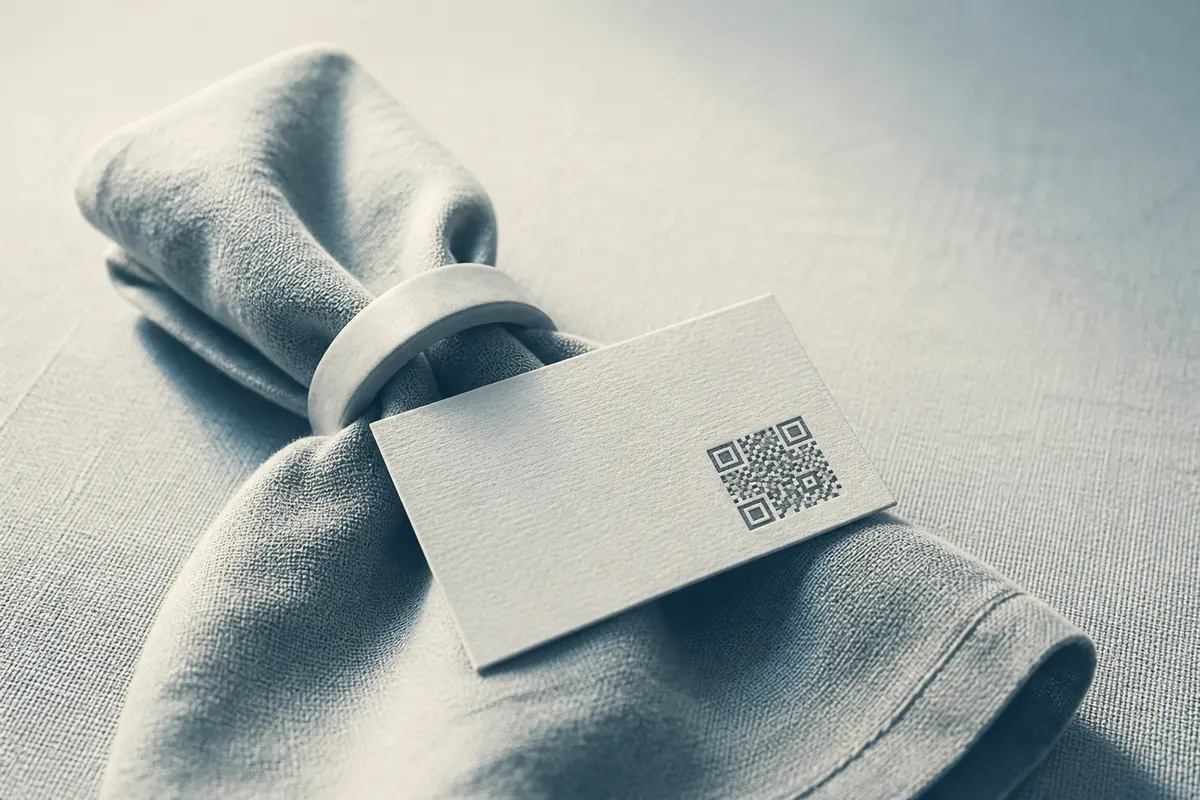
Where QR codes work at a wedding
Each is a code pointing at a web page or service, so it can link to whatever tool you already use.
Five codes that cover most weddings:
- 1
RSVP
Link to your RSVP form or wedding website so guests can reply, note dietary needs and confirm numbers without posting a card back.
- 2
Photo sharing
Link to a shared album or upload page so guests can drop their phone photos and videos into one place, with no chasing people afterwards.
- 3
Gift registry
Send guests straight to your registry or a contribution page, instead of printing a long list or fielding the same question all night.
- 4
Music requests / playlist
Link to a collaborative playlist or a request form so guests can add the songs that will get them on the dance floor.
- 5
Seating & details
Point to a seating chart, the running order, venue directions or the day’s schedule, which suits table cards and welcome signs.
Add a one-line prompt
A code with no context gets ignored. Always pair it with a short instruction: “Scan to RSVP”, “Scan to add your photos”, “Scan for the playlist”. People scan when they know why.
What each code should link to
| Use | Link to | Where it goes |
|---|---|---|
| RSVP | Wedding website or RSVP form | Invitations, save-the-dates |
| Photo sharing | Shared album / upload page | Table cards, signs, order of service |
| Registry | Registry or contribution page | Invitation insert, website |
| Playlist | Collaborative playlist / request form | Bar signs, reception tables |
| Seating / schedule | Seating chart or day plan page | Welcome sign, place cards |
Use a URL code
For all of these, a static URL QR code is ideal: it’s free, never expires and points to whatever page you choose. If you might change the destination later, link to a page you control (like your wedding website) and update that page rather than reprinting codes.
How to make a wedding QR code
The same quick process works for every code above.
- 1
Get your link ready
Copy the URL of your RSVP form, photo album, registry or playlist. Test it on your own phone first to be sure it opens correctly.
- 2
Generate a URL code
Paste the link into the URL QR generator. A static code is created instantly: free and with no expiry.
- 3
Style it to match
Set a dark module colour that suits your palette (keep strong contrast), and optionally add a small monogram or logo in the centre.
- 4
Export the right format
Download a vector (SVG or PDF) for print so it stays sharp at any size, or a PNG for digital use such as your website.
- 5
Print and test
Print a proof at final size and scan it on a couple of phones, including in lower light, before the full run.
Design tips that keep it on-theme
A wedding code can be elegant without becoming unreadable. The rules are the same as any code: protect the contrast and the data.
- Use a dark code on a light background. Deep navy, charcoal, forest green or burgundy on ivory or white all scan well.
- Keep contrast high. Pastels are tempting but too pale for the modules, so use them for the background instead.
- Add a monogram, not clutter. A small central logo or initials is fine; keep it well within the centre so it doesn’t cover too much of the pattern.
- Leave the quiet zone clear. Don’t let florals, borders or text crowd the code: keep clear space around all four sides.
- Match it to your stationery by colour and placement rather than by distorting the code itself.
Don’t over-decorate
Avoid inverting to light-on-dark, fading the code into a photo, or shrinking it to fit a flourish. A code that looks pretty but won’t scan helps nobody on the day.
What size should a wedding QR code be?
Size depends on how far away people scan from. A place-card code is read at arm’s length; a welcome sign might be scanned from a metre or two away, so it needs to be far bigger.
| Where | Scan distance | Minimum size |
|---|---|---|
| Place card / table card | About 20–30 cm | 2 cm square |
| Invitation / order of service | About 30 cm | 2–2.5 cm square |
| Table-top sign / easel | About 0.5–1 m | 5–8 cm square |
| Welcome sign / large display | 1–2 m+ | 10 cm or larger |
Rule of thumb
Make the code at least one-tenth of the scanning distance. Scanning from 1 metre away? Aim for roughly a 10 cm code. When in doubt, go bigger.
Details that keep a wedding code scannable
A couple of pointers will make every wedding code scan first time. For a monogram in the middle, follow our guide to a QR code with a logo so it stays readable. For signs and place cards, check the right QR code size for print at each distance. And to generate the links themselves, head straight to the URL QR code generator.