

Use cases
QR Codes for Nonprofits and Fundraising: Donate in One Tap
By OpenQR · updated 24 June 2026
Every extra step between “I want to help” and a completed donation costs a charity money. Typing a long web address, finding the right page, fishing out a card: each one loses supporters. A QR code collapses that journey into a single scan, opening your donation page straight on the supporter's phone. This guide covers donations, campaign posters, events, volunteer sign-ups and Gift Aid, and the testing that stops a failed code costing donations.
8 min read · Updated 24 June 2026
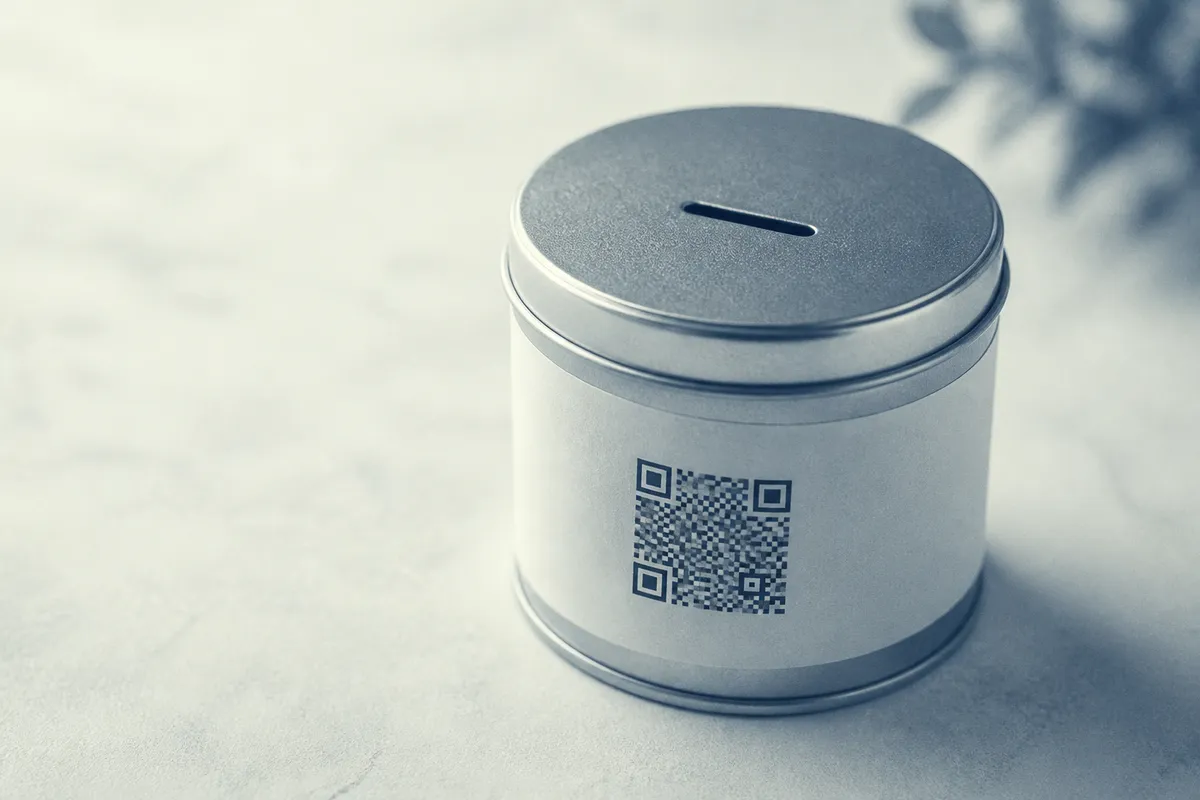
Take the web address of your donation page, a volunteer form or a Gift Aid declaration, turn it into a code, and print it or show it on screen. A static QR code stores the address directly, so it is free to make and never expires: a code on a collection tin or a campaign banner keeps working for the life of the appeal. OpenQR creates static codes in your browser with no watermark, so printed materials stay clean and nothing is spent on software. If the donation page's address might change mid-appeal, dynamic QR codes are free too (1 per account) and never expire.
Where QR codes help fundraising
- Donations: link straight to your giving page so supporters can donate in seconds, anywhere.
- Campaign posters and banners: turn awareness into action while interest is fresh.
- Events: link to ticketing, sponsorship pages or live appeal totals at galas and runs.
- Volunteer sign-ups: open a short form so willing helpers register on the spot.
- Gift Aid: point UK donors to a Gift Aid declaration so you can reclaim the extra 25%.
- Collection tins and stands: offer a cashless way to give when nobody carries change.
One code, one job
A donation code that lands on a single, pre-filled giving page asks the supporter for one action. A code that opens a homepage adds a step between the scan and the donate button. Give each code one clear destination.
Reducing the steps from scan to donation
The whole point of a donation QR code is to remove steps, so audit the path from scan to thank-you. Send the scan to a dedicated giving page (not your homepage) that loads fast on mobile and shows the donate action without scrolling. Where your platform allows it, pre-set a suggested amount and skip the account-creation step. The fewer fields and taps between the scan and the confirmation, the more donations complete.
Tell people what happens
A bare code asks for blind trust. A short caption such as “Scan to donate £5” or “Scan to volunteer” sets the expectation before the camera is pointed.
Gift Aid links
For UK charities, Gift Aid adds 25p to every eligible £1 at no cost to the donor, but only if the supporter makes a declaration. A QR code is a tidy way to capture it: point the code at your Gift Aid declaration form so a donor can complete it on their phone the moment they give. Keep the form short, ask only for what HMRC requires, and link to it from the same materials as your donation code so the two go hand in hand.
What each fundraising QR code should link to
Match each code to the moment and the audience. A poster reader wants to give or learn more; an event guest may want to sponsor or bid; a passer-by at a stand may want to volunteer. Send every scan to a single, mobile-friendly page on your own domain so the printed code stays stable.
| Placement | Best link target |
|---|---|
| Campaign poster | Dedicated donation page |
| Collection tin / stand | One-tap donate page with suggested amount |
| Event programme | Sponsorship page or live appeal total |
| Volunteer stand | Short volunteer sign-up form |
| Thank-you letter | Gift Aid declaration form |
Campaign posters: size and placement
On printed campaign materials, how big the code needs to be depends on how far away people scan it. The reliable guide is the 10:1 rule: the code should be at least one tenth of the scan distance. A leaflet in the hand needs only a small code; a banner read across a hall needs a much bigger one.
| Placement | Scan distance | Minimum code size |
|---|---|---|
| Leaflet / collection tin | 0.3 m | 3 cm |
| A4 poster | 1 m | 10 cm |
| Event banner | 2 m | 20 cm |
| Large stage-side banner | 3 m | 30 cm |
- Leave a clear quiet-zone margin of at least four modules of empty space around the code so phones can lock onto it.
- Keep strong contrast (a dark code on a light background) and avoid printing the code over a busy photo.
- Place the code where a phone can reach it: between waist and eye height on standing signage.
- Print on matt stock where possible; gloss catches glare under venue lighting.
For large print use a vector file so the code stays sharp at any size: see our format guide and the size-for-print guide. To carry your charity logo in the code, place it in the centre with a higher error-correction level, following our guide to QR codes with a logo. For fundraising galas, runs and stalls, our article on QR codes for events and posters covers ticketing and check-in, and if you run a faith-based appeal, see QR codes for churches for giving and welcome-card ideas.
Test before you launch
A failed donation code is lost income. Check the final artwork before any print run or campaign goes live:
- 1
Scan the exported file
Test the exact file you will print, on both an iPhone and an Android phone.
- 2
Complete a real donation
Run a small live donation end to end to confirm the page works and the payment clears.
- 3
Check the quiet zone
Make sure no text or artwork creeps into the clear margin around the code.
- 4
Test at real distance
Print a proof and scan it from where supporters will actually stand.
- 5
Confirm the Gift Aid step
If you offer Gift Aid, check the declaration form opens and submits on a phone.
Plan for changing destinations
A static code is locked to its URL once printed. If your donation platform or campaign page might move, use a dynamic QR code instead: it points to a short redirect you control, so you can update where it lands without reprinting posters and banners.