

Use cases
QR Codes for Churches: Giving, Service Times and Staying Connected
By OpenQR · updated 24 June 2026
A QR code printed in a bulletin or shown on the front screen opens your giving page, service times or latest sermon in one scan, so nobody has to type a web address. Static QR codes are free to create and never expire, which suits print that stays in use for years. This guide covers giving, service times, newsletters, sermons, events and welcome cards, plus placement and sizing so the codes actually get scanned.
8 min read · Updated 24 June 2026
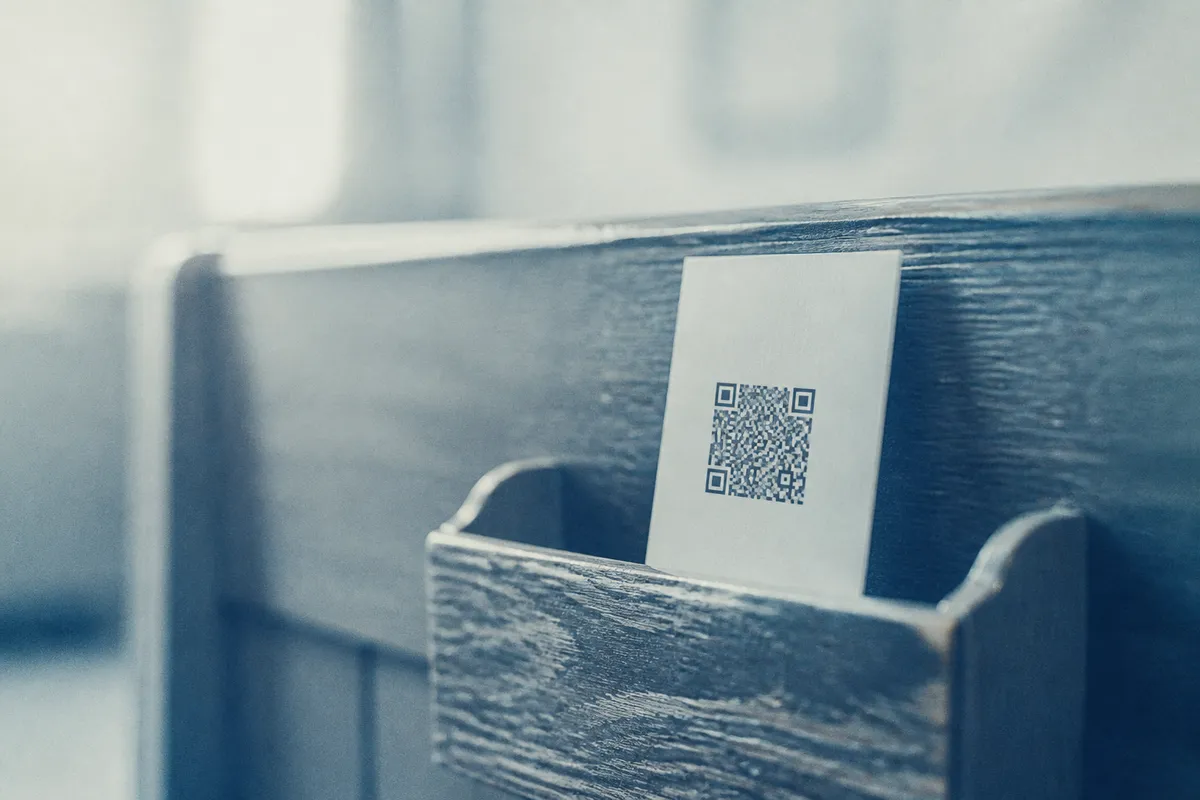
You take the web address of a giving page, a newsletter sign-up or a sermon recording, turn it into a code, and print it or show it on screen. A static QR code stores that address inside itself, so it is free to create and never expires: a code printed in a welcome pack keeps working for years. OpenQR generates static codes in your browser with no watermark, which matters when budgets are tight and the design has to look clean on print.
Where QR codes help church life
- Giving and donations: link straight to your online giving page so people can contribute during or after a service.
- Service times: point to a page listing Sunday and midweek services, special seasons and any livestream.
- Newsletter sign-up: connect to a short form so visitors join your mailing list before they leave.
- Sermon links: open the latest talk on your website, a podcast feed or a video channel.
- Events and groups: link to booking pages for socials, courses, youth groups or the carol service.
- Welcome cards: give newcomers one card that opens an introduction, a connect form and next steps.
One code, one job
Resist the urge to make a single code do everything. Each church QR code should open one page with one action. A code that opens a menu asks the reader to choose twice, once to scan and once to navigate, and a printed prompt can only name one of those steps.
Giving and donations
Giving is the use to start with. Encode the address of your existing online giving page (a dedicated platform, a Gift Aid form or a donation page on your own site) and a member can give in seconds, without queueing or carrying cash. Keep the destination on a stable web address you control so the printed code never breaks. If you also run appeals or wider fundraising, our article on QR codes for nonprofits and fundraising covers campaign posters and Gift Aid links in more depth.
Add a short caption
A bare code asks people to take it on trust. “Scan to give” or “Scan for this week's notices” says what happens on the other end, so the reader does not have to scan to find out.
What each church QR code should link to
Match the destination to where someone is and what they came for. A visitor reading the welcome card wants to know who you are; a regular at the end of a service wants to give or sign up; someone who missed Sunday wants the sermon. Send each scan to a single, mobile-friendly page on your own domain.
| Placement | Best link target |
|---|---|
| Bulletin / order of service | This week's notices or giving page |
| Welcome card | Newcomer introduction and connect form |
| Front-of-church screen | Giving page or event booking |
| Noticeboard | Service times and regular groups |
| Sermon handout | Latest talk or podcast feed |
Placement: bulletins, screens and noticeboards
Where a code lives changes how big it needs to be and how it should look. The reliable guide is the 10:1 rule: the printed code should be at least one tenth of the distance people scan it from. A code in a bulletin held in the hand can be small; a code projected on a screen at the front of a large hall must be much bigger.
| Placement | Scan distance | Minimum code size |
|---|---|---|
| Bulletin / welcome card | 0.3 m | 3 cm |
| A4 noticeboard poster | 1 m | 10 cm |
| Hall poster | 2 m | 20 cm |
| Front-of-church screen | 4 m+ | Fill a clear panel of the slide |
- Leave a clear margin (the quiet zone) of at least four modules of empty space around the code, so it never touches text or a border.
- Keep strong contrast: a dark code on a light background scans best. Avoid printing the code over a photo or stained-glass artwork.
- On a projected screen, leave the slide up long enough for people to find their phone, open the camera and scan: ten seconds or more.
- On a noticeboard, mount the code between waist and eye height so a phone can reach it comfortably.
- Print on matt rather than gloss where you can, because glossy stock catches glare under hall lighting.
For large print such as hall posters and banners, use a vector file so the code stays crisp at any size: our format guide explains when to use SVG, PDF or PNG, and the size-for-print guide covers the maths. If you want the code to carry your church logo or crest, you can place one in the centre using a higher error-correction level (see our guide to QR codes with a logo).
Wi-Fi for church halls
Guests in a church hall ask for the Wi-Fi password, and a Wi-Fi QR code answers the question without anyone reading it aloud. The code stores the network name and password, so scanning a card on the wall joins the network with no typing errors. Print one for the hall noticeboard and the kitchen. Our guide to making a Wi-Fi QR code walks through it, and because the code is static it costs nothing and never expires.
Welcome cards for newcomers
A welcome card is a small, repeatable way to help a first-time visitor take the next step. Put one code on a card in the pews or by the door that opens a friendly introduction page with service times, a connect form and a clear “what to expect” note. Because the card is printed once and used for months, a static code is ideal: it never expires and needs no subscription. If you also display the same code on an events poster, see our article on QR codes for events and posters for sizing and testing advice.
Test before you print
A code on paper cannot be fixed once it is printed, so check the final artwork first:
- 1
Scan the exported file
Test the actual file you will print, on both an iPhone and an Android phone.
- 2
Confirm the page is live
Make sure the giving page, form or sermon opens and works well on a phone.
- 3
Check the quiet zone
Ensure no text or artwork creeps into the clear margin around the code.
- 4
Test at real distance
Print a proof and scan it from where people will stand or sit.
Plan for changing destinations
A static code is locked to its URL once printed. If your giving page or platform might move, use a dynamic QR code instead: it points to a short redirect you control, so you change the destination without reprinting every bulletin and card. OpenQR's free plan includes 1 dynamic code; Pro (£9 a month or £90 a year) lifts the cap.