

Use cases
QR codes for product packaging
By OpenQR · updated 24 June 2026
10 min read · Updated 24 June 2026
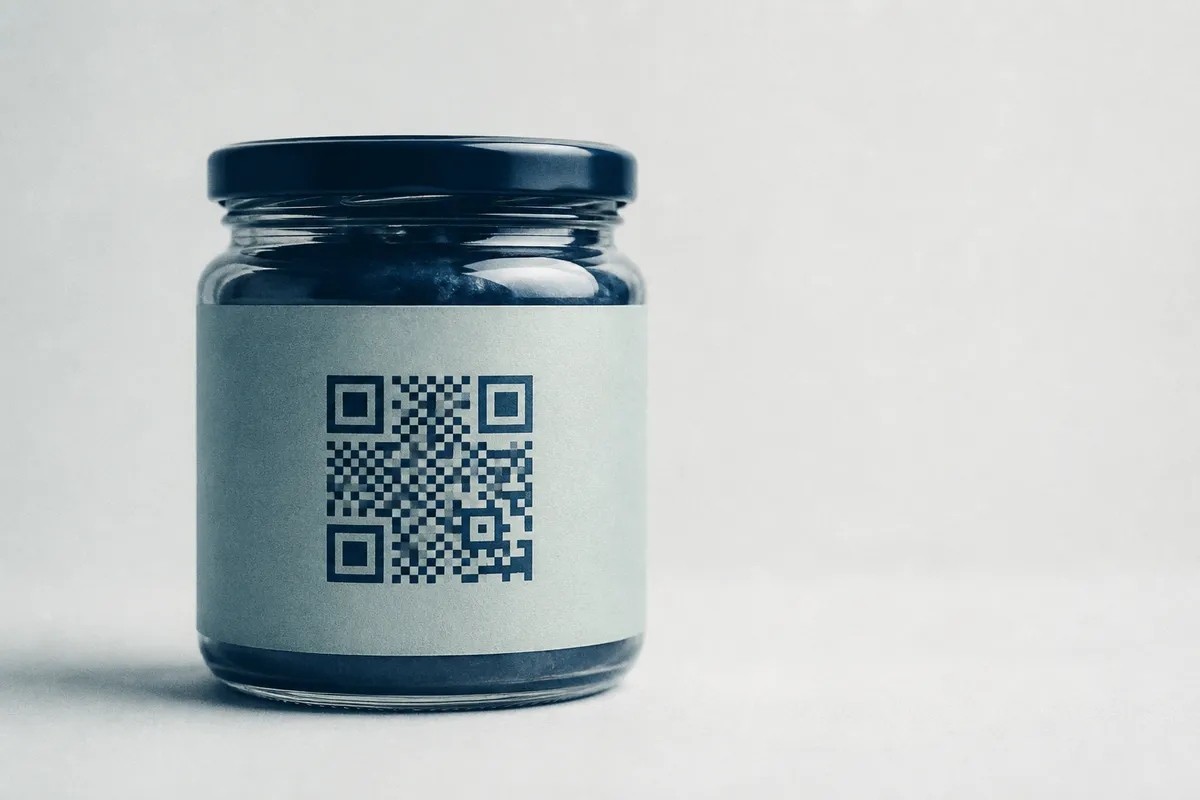
What to put behind a packaging QR code
The best packaging codes solve a problem the customer has right now, with the product in hand. Each is simply a code pointing at a web page. One code per SKU or batch means a set rather than one code printed many times, and the free bulk QR code generator turns a product list into codes named by SKU.
Four uses cover most packaging.
- 1
Instructions and how-to
Link to setup steps, assembly videos, dosage or care guides. It saves print space, can’t get lost like a paper insert, and you can update it any time without reprinting boxes.
- 2
Authentication
Point to a page that confirms the item is genuine, useful against counterfeits for cosmetics, electronics, spirits and supplements. Pair it with a unique link or batch reference for stronger proof.
- 3
Reviews and feedback
Send happy customers straight to your review page at the moment of unboxing, before the box is binned.
- 4
Reorders and refills
Drop buyers onto a reorder or subscription page in one tap, which suits consumables that people buy again and again.
Add a reason to scan
A bare code on a box is easy to ignore. Print a short prompt next to it, such as “Scan for setup video”, “Scan to verify authenticity” or “Scan to reorder”, so the customer knows what they’ll get.
Match the code to the goal
| Use | Link to | Best for |
|---|---|---|
| Instructions | How-to page or video | Electronics, flat-pack, cosmetics |
| Authentication | Verification page / batch lookup | Spirits, supplements, luxury goods |
| Reviews | Google or store review page | Almost any consumer product |
| Reorder | Product or subscription page | Consumables, refills, food and drink |
| Support | FAQ or contact page | Anything with a learning curve |
Use a URL you control
Encode a link to a page on your own site rather than a one-off deep link, so you can change what the page shows later without ever reprinting the packaging. A static URL code is free and never expires. If you would rather repoint the code itself after printing, that is a dynamic QR code: OpenQR includes 1 on the free plan and Pro (£9 a month or £90 a year) lifts the cap to 25 active codes.
Sizing a QR code on small packaging
Packaging codes are usually scanned at close range (arm’s length or less), so they can be small, but there’s a floor below which scanning becomes unreliable. The classic guidance is the 10:1 rule: the code should be at least one-tenth of the scanning distance.
| Surface | Typical scan distance | Minimum size |
|---|---|---|
| Small label / cosmetics | About 10–20 cm | 2 cm square |
| Standard box / carton | About 20–30 cm | 2–2.5 cm square |
| Large box / outer case | About 30–50 cm | 3–4 cm square |
| Pallet / shelf-edge | 0.5–1 m+ | 5 cm or larger |
Don’t go below about 2 cm
Codes much smaller than about 2 cm get fragile fast: minor print bleed or a slightly out-of-focus camera will break them. If space is tight, simplify the data (a short URL) so the code has fewer modules and prints larger per module.
A short URL is your friend here. The less data you encode, the fewer modules the code needs, which means each module prints bigger and scans more easily on a cramped label. Where possible, use a tidy redirect on your own domain rather than a long, parameter-stuffed link.
Error correction for curved and glossy surfaces
QR codes (defined by the ISO/IEC 18004 standard) have four error-correction levels, L, M, Q and H, that can restore roughly 7%, 15%, 25% and 30% of the code respectively if it’s damaged or obscured. Packaging is exactly where the higher levels pay off.
- Curved surfaces (bottles, jars, tubes) distort the code as it wraps. A higher error-correction level (Q or H) tolerates more of that warp.
- Glossy or reflective finishes can throw glare across part of the code. Extra correction helps recover the obscured area.
- Flexible packaging (pouches, film, shrink wrap) creases and folds in transit. Higher correction survives a crease that would kill an L-level code.
- Adding a logo covers some modules; the higher levels reserve enough redundancy to keep the code readable.
Pick the right level
Use H (≈30%) when the code is curved, glossy, flexible, or carries a logo. Use M or Q for flat, matte labels where space is tight: higher correction adds modules, so it makes the code denser at the same physical size.
Materials and print finish
How the code is printed matters as much as how it’s generated.
- Keep strong contrast: a dark code on a light background. Avoid printing the code in a spot colour that’s too light, or over a busy background image.
- Prefer a matte finish over the code area where you can; matte cuts the glare that gloss laminates create.
- Protect the quiet zone. Leave at least four modules of clear space around all four sides, and don’t let other label elements crowd it.
- Mind the curve. On bottles and tubes, keep the code on the flattest available area and don’t wrap it around a tight radius.
- Use vector artwork. Supply the code as SVG or PDF so it prints crisply at any size and survives press scaling.
How to make a packaging QR code
Five steps from link to print-ready file.
- 1
Prepare a short, stable link
Point it at a page on your own domain so you can update the content later without reprinting. Keep the URL short to keep the code simple.
- 2
Generate a static URL code
Paste the link into the URL QR generator. The code is created instantly: free, watermark-free and with no expiry.
- 3
Raise the error correction
Choose a higher level (Q or H) if the code will be curved, glossy, flexible or carry a logo.
- 4
Brand it carefully
Add a small central logo and a dark brand colour if you wish, keeping high contrast and a clear quiet zone.
- 5
Export vector and proof it
Download an SVG or PDF for the printer, then print a proof at final size on the actual material and scan it on several phones before the run.
The details that decide whether a packaging code scans
Three resources cover the parts that make or break a packaging code. For sizing at each distance, see the guide to QR code size for print. To add a logo without losing scans, follow the QR code with a logo guide. For the export itself, our explainer on QR code formats: PNG, SVG and PDF covers why vector wins for print. If a printed code won’t read, see why a QR code is not scanning.