QR codes for asset and equipment tagging


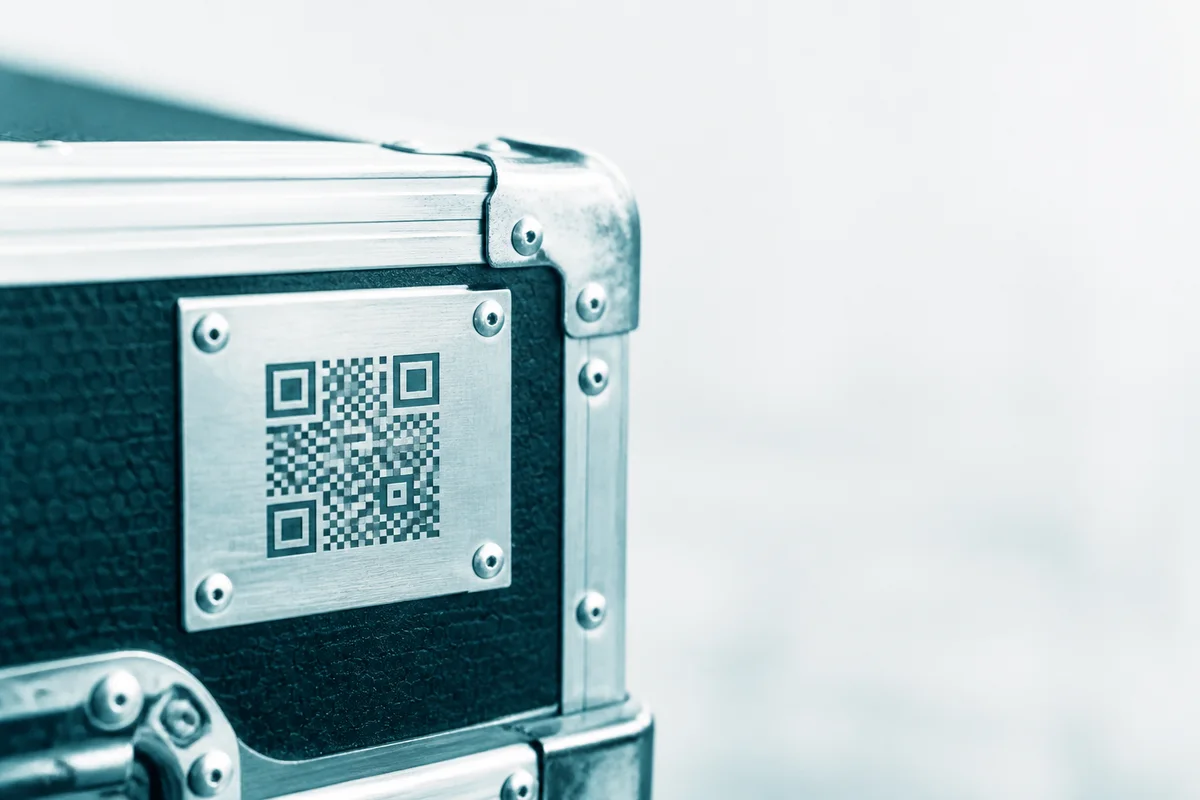
QR codes for asset and equipment tagging
- Open source
- No sign-up
- No watermark
- Free API + MCP
- In the MCP registry
This is not an inventory management system
OpenQR makes the labels and tells you when they were scanned. It does not hold stock levels, purchase orders, depreciation or work orders. If you need those, you need a CMMS or an asset register, and OpenQR is the layer that puts a scannable code on the thing and points it at whatever system you already have.
The job is one code per asset, not one code reprinted
The test that decides everything else is whether each code needs a different destination. A poster in a corridor is one code printed fifty times. A fleet of fifty extractor fans is fifty codes, each opening that fan's own page. Asset tagging is always the second shape, which is why it produces more codes per customer than any other use on this site.
- One per machine, so a scan opens that machine's manual and service history
- One per tool or item of plant, so a hire fleet can be checked in and out
- One per laptop, projector or interactive panel across a school or office
- One per fire door, extinguisher or emergency light on an inspection round
- One per rack, room or cupboard, so a location can be scanned as well as a thing
Numbering a range without building a spreadsheet
The OpenQR bulk generator has a Number a range mode that turns a sequence such as ASSET-0001 to ASSET-0250, or PUMP-01 to PUMP-40, into one code per number, with no spreadsheet in between. Set a prefix, a first and last number and how many digits to pad to, and it generates the whole run. Give it a destination pattern containing {seq} and each code opens its own record; leave the pattern empty and each code simply encodes its own tag, which is what a plain printed asset label usually is.
If you already have an asset register, paste it instead. The first column can be the ID, the description or the URL in any order, and the tool shows you which column it is going to encode and lets you change it before anything is generated, because getting that wrong silently is how you end up with 250 labels that scan to the word “Description”.
Labels that survive the environment they go into
An asset label lives a harder life than a menu. It gets wiped with solvent, rubbed by sleeves, heated, chilled and left in daylight for years. The label stock matters as much as the code.
| Environment | Sensible stock | Why |
|---|---|---|
| Indoor office / IT kit | Polyester or polypropylene | Solvent-resistant, will not tear if picked at |
| Workshop / plant room | Polyester with a permanent adhesive | Survives oil, degreaser and repeated wiping |
| Outdoor / exposed | UV-stable polyester or anodised aluminium | Paper and cheap vinyl fade to unreadable in months |
| Curved or textured surfaces | Conformable vinyl, code kept small | A code wrapped round a tight radius stops decoding |
| Very hot or very cold | Metal tag or high-temperature polyester | Adhesives creep and release at the extremes |
Use high error correction here, not the default
Error correction level H lets a code still decode with roughly 30% of it damaged, which is the difference between a scuffed label working and a scuffed label needing replacing. It costs you a slightly denser code at the same physical size. On asset labels that trade is almost always worth it. Set it in the generator before you export.
Size follows scanning distance, not preference. A label read at arm's length wants roughly 20–25mm across; anything read from a walkway or a gantry needs to scale up with the distance. There is a full breakdown in the print size guide, and the bulk generator will export at an exact millimetre size and DPI so what your label printer receives is what you specified.
What the OpenQR scan log does and does not prove
Every scan of a dynamic code is counted, with a date, a rough location and a device class. Over time that becomes a useful last seen signal: an asset nobody has scanned in eighteen months is worth a look, and a code being scanned in a town you have no site in is worth a different kind of look.
Be honest about the limits, because the temptation to oversell this is real. A scan proves somebody pointed a phone at that label. It does not prove the asset was serviced, present, working, or even still attached to the thing it was stuck to. It is a breadcrumb, not an audit trail. Anyone who needs a real chain of custody needs a system that records who did what, and the code should point at that system.
Scan data is aggregated as it is written and no scanner is ever identified: no cookie, no device ID, nothing linking two scans to one person. Geography is never named below five scans in the window. That is what makes it shareable inside an organisation without a privacy conversation.
Pointing asset codes at a system you already run
Asset work is the one use case on this site with a genuine integration story, because the codes are usually created by a script against a register rather than by hand. The REST API creates and repoints codes in bulk, and the MCP server lets an agent do the same in plain English. A common shape is: export the register nightly, create any codes that are missing, and repoint the ones whose asset has moved.
Static codes are free and unlimited and never expire, which suits a tag that encodes its own ID. Dynamic codes are the ones you can repoint after the label is stuck on, and they are what gives you the scan log. One free, then Pro. For a 250-asset estate that is a Pro decision, and it is worth making deliberately rather than discovering at label 2.
Tagging an estate, start to finish
- 1
Decide what a scan should open
The manual, the service record, or a page in your CMMS. If that page does not exist yet, encode the asset ID as plain text now and add the destination later with dynamic codes.
- 2
Generate the range or paste the register
Number a range for a fresh scheme, or paste your existing asset list and check the column mapping before generating.
- 3
Export at the right size and error correction
Millimetres at 300 DPI, error correction H, SVG if your label printer will take vector.
- 4
Proof before you print
The contact sheet prints every code with its filename underneath. Scan a few off the screen, because finding a problem now costs nothing.
- 5
Apply and spot-check
Scan the first and last label of the run on a real phone, in the real light, at the real distance.
Make the whole set at once
The bulk tool opens seeded with the shape of this job: example rows in your vocabulary, and the filename pattern that suits it. Free, unlimited and with no account for static codes.
Open the bulk generatorJobs in this area
- QR codes that open a machine's own manual, not a search for oneFix a QR code next to a machine so the engineer standing in front of it gets that unit's manual, wiring diagram or service log, correct revision, no typing, and repointed rather than reprinted when the document changes.
- QR codes on laptops, projectors and panels that open the asset registerA code on each laptop, projector or interactive panel opens that device's own record: current owner, warranty and fault history, so an IT or business manager can check or update it in five seconds instead of a spreadsheet search.
- QR codes on fire doors, extinguishers and emergency lights for inspection roundsA code on each item on your inspection round opens its checklist or history for whoever is walking it. It is not proof an inspection happened: that record still has to be captured and stored in your compliance system.
Related
- QR codes on laptops, projectors and panels that open the asset register
- QR codes that open a machine's own manual, not a search for one
- QR codes for campaign tracking and print attribution
- QR codes for museums, galleries and heritage trails
- QR codes on leaflet drops, one code per round or postcode batch
- QR codes on poster sites, one code per physical location