QR codes for product packaging


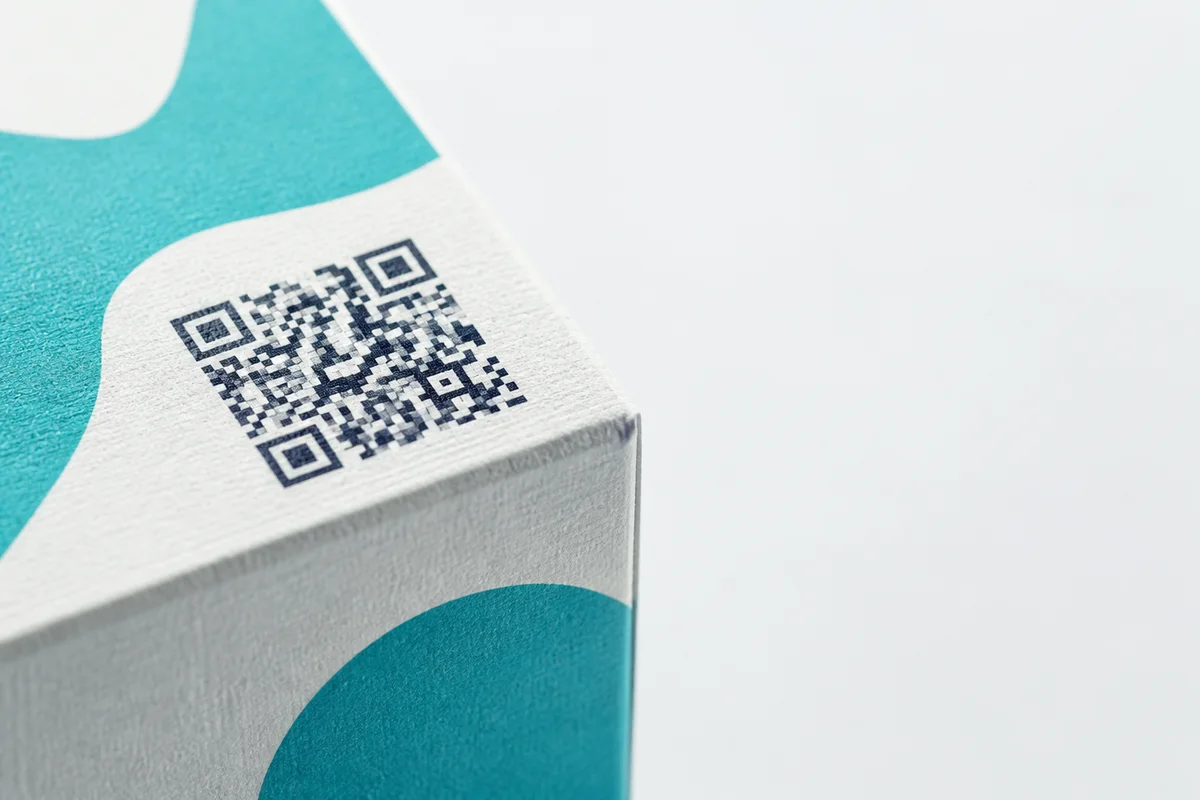
QR codes for product packaging
- Open source
- No sign-up
- No watermark
- Free API + MCP
- In the MCP registry
OpenQR gives you the code, not compliance
The EU Digital Product Passport is a real and moving requirement: it is pushing many categories of product sold in the EU toward carrying a data carrier, typically a QR code, that links to structured product information for consumers, regulators and recyclers. It is being phased in by product category over the coming years, and exactly which categories are in scope and by when is still firming up. OpenQR generates the code and hosts the redirect, pointed at a page you build and control. It does not tell you whether your product is in scope, by when, or what the linked page must contain, and it does not build the passport data itself. Check the current timetable for your product category, and your own obligations under it, with a source that tracks EU product regulation before you rely on any date.
Why packaging is a bulk job, not a one-off code
A single product line rarely needs one QR code. It needs one per SKU at minimum, and often one per batch within a SKU once you factor in changing suppliers, formulations or production runs. Making forty codes by hand, one download at a time, is where packaging projects actually go wrong: names drift, a destination gets typed incorrectly, and nobody notices until a customer scans the wrong pack.
The fix is to treat it as a data job. Build a plain CSV with a SKU (or batch) column, a name and a destination URL, and hand the whole thing to the bulk QR code generator. It maps your columns, generates one code per row named by SKU, and packages the run into a ZIP that includes a manifest.csv mapping every filename back to its label and its encoded content, which is exactly what an artwork studio or a print house needs to place the right code on the right pack without opening a single image file to check.
One code per production batch scopes a recall
One code per batch scopes a recall to the affected run
If every unit of a SKU carries the same code, a recall has no way to reach only the affected run: you either say nothing specific, or you contact every buyer of that SKU regardless of when they bought it. A code minted per production batch, rather than per SKU, means the scan can carry a batch reference and the destination can be repointed to a recall notice for that batch alone while every other batch keeps working normally. It is a small extra step at generation time (a batch column instead of a flat SKU list) that turns a QR code from a nice-to-have into a genuine traceability tool, and it is worth deciding on before the first print run rather than after an incident.
Artwork-ready export for the person who actually places the code
Packaging is the one vertical on this site where the QR code's next stop is design software, not a label printer. That changes what “export” needs to mean: a designer working in a die-line needs a vector file at the exact physical size the pack calls for, not a fixed-pixel PNG scaled up until it blurs.
The bulk generator exports SVG, which is vector and scales cleanly to any print size, and it sizes output in millimetres at a chosen DPI so what you hand over matches what the artwork brief actually asked for. Both are real, shipped features, not a roadmap item.
| Substrate | Minimum code size | Contrast and finish |
|---|---|---|
| Small label / cosmetics | About 1.5–2cm square | Dark code on light ground; avoid a spot colour that is too pale |
| Standard carton / box | About 2–2.5cm square | Matte over the code if the rest of the pack is gloss-laminated |
| Curved bottle or tube | As above, on the flattest panel available | Higher error correction; avoid wrapping round a tight radius |
| Flexible pouch or film | As above, plus margin for creasing | Higher error correction so a fold in transit does not break the scan |
| Pallet label / outer case | 5cm or larger | Read at distance, so contrast matters more than fine detail |
Whatever the substrate, protect the quiet zone: the clear margin around all four sides of the code, roughly four modules wide, with no other artwork element crossing into it. A code that scans perfectly on screen and fails on the shelf has almost always had its quiet zone crowded by a logo, a barcode or a border that the artwork brief did not account for. Full sizing tables by scan distance are in the print size guide, and the export trade-offs between PNG, SVG and PDF are covered in QR code formats. Curved, glossy and flexible substrates all want a higher error-correction level; the error correction guide explains why and what it costs in code density.
Static is fine for a code that never needs to change. Most packaging codes will.
A static code is free, unlimited and never expires, and it is the right choice for a code that only ever needs to encode a fixed piece of text or a URL you will genuinely never touch again. Packaging rarely meets that bar. A pack sits on a shelf, in a warehouse or in a customer's cupboard for months or years after it is printed, and in that time the page it points to gets redesigned, the campaign it linked to ends, or the product it describes gets superseded. A static code baked into artwork cannot be repointed: the only fix is a reprint.
A dynamic code keeps the QR pattern on the pack fixed while letting you change where it leads, at any point after the packaging is already printed and in the world. For anything that will be on shelf for more than a season, or that is expensive to reprint, that is the whole argument for dynamic over static, and it is the difference between updating a URL from a dashboard and pulping stock.
What that costs at real SKU counts
One dynamic code is free. Beyond that it is Pro at £9/month. A range of forty SKUs, or a handful of SKUs each split into several production batches, will clear one dynamic code almost immediately, so budget for Pro from the start of a real packaging project rather than discovering the limit mid-run. Static codes stay free and unlimited regardless of how many SKUs you generate, which is the right choice for any code you are confident will never need to move. See pricing for the full breakdown.
A packaging QR run, start to finish
- 1
Decide static or dynamic, per SKU or per batch
Static if the destination is genuinely fixed for the product's shelf life. Dynamic if the pack will outlive the page it points to, or you want a batch-level recall option.
- 2
Build the CSV
One row per SKU or batch: an identifier, a name, and a destination URL. Get this right once rather than fixing filenames after generation.
- 3
Generate and check the manifest
Run it through the bulk generator, and check manifest.csv against the CSV you started from before it goes anywhere near a designer.
- 4
Export vector, sized to the die-line
SVG, in millimetres at the DPI your printer specifies, with the quiet zone and minimum size respected for the substrate.
- 5
Proof on the actual material
A code that scans on a screen proof does not guarantee it scans on gloss-laminated card. Print a real proof and scan it on more than one phone before the full run.
Make the whole set at once
The bulk tool opens seeded with the shape of this job: example rows in your vocabulary, and the filename pattern that suits it. Free, unlimited and with no account for static codes.
Open the bulk generatorJobs in this area
- The Digital Product Passport needs a data carrier. A QR code is the obvious one.The Digital Product Passport timetable, battery passport February 2027, and the one move a packaging team can make this year that is not wasted whatever the final rules say: a dynamic code per SKU, pointed at a page you control.
- GS1 Digital Link QR codes: the barcode that also opens a web pageWhat a GS1 Digital Link actually is, what Sunrise 2027 means for retail tills, how GTIN, batch and serial fit in the URL, and the domain and redirect decisions that keep a till-facing code dependable.
- Getting a QR code to scan off a printed pack, first time and every timeWhat print does to a QR code: ink gain and registration by process, contrast on the panel rather than the logo, curves and shrink sleeves, minimum size by substrate, and the press proof that actually predicts the shelf.
Related
- QR codes for product packaging
- The Digital Product Passport needs a data carrier. A QR code is the obvious one.
- GS1 Digital Link QR codes: the barcode that also opens a web page
- Getting a QR code to scan off a printed pack, first time and every time
- QR codes for campaign tracking and print attribution
- QR codes on leaflet drops, one code per round or postcode batch