

QR codes, by the job you are doing
Most QR advice is written for whoever is selling the software. These pages are written for the job: what the code has to survive, how many of them you need, what a scan should open, and where the free tool stops and a paid plan genuinely starts.
Campaign & print attribution
Same leaflet, five versions, five codes. Afterwards you know which one people actually scanned.
Memorials & headstones
A code on a headstone has to still work in twenty years, long after anyone is checking on the business behind it.
Museums, galleries & heritage
A code on every exhibit label, in every language you interpret in, and a count of which stops visitors stayed at.
Events & posters
One poster run, one code, and the destination goes from buy tickets to sold out to next date without a reprint.
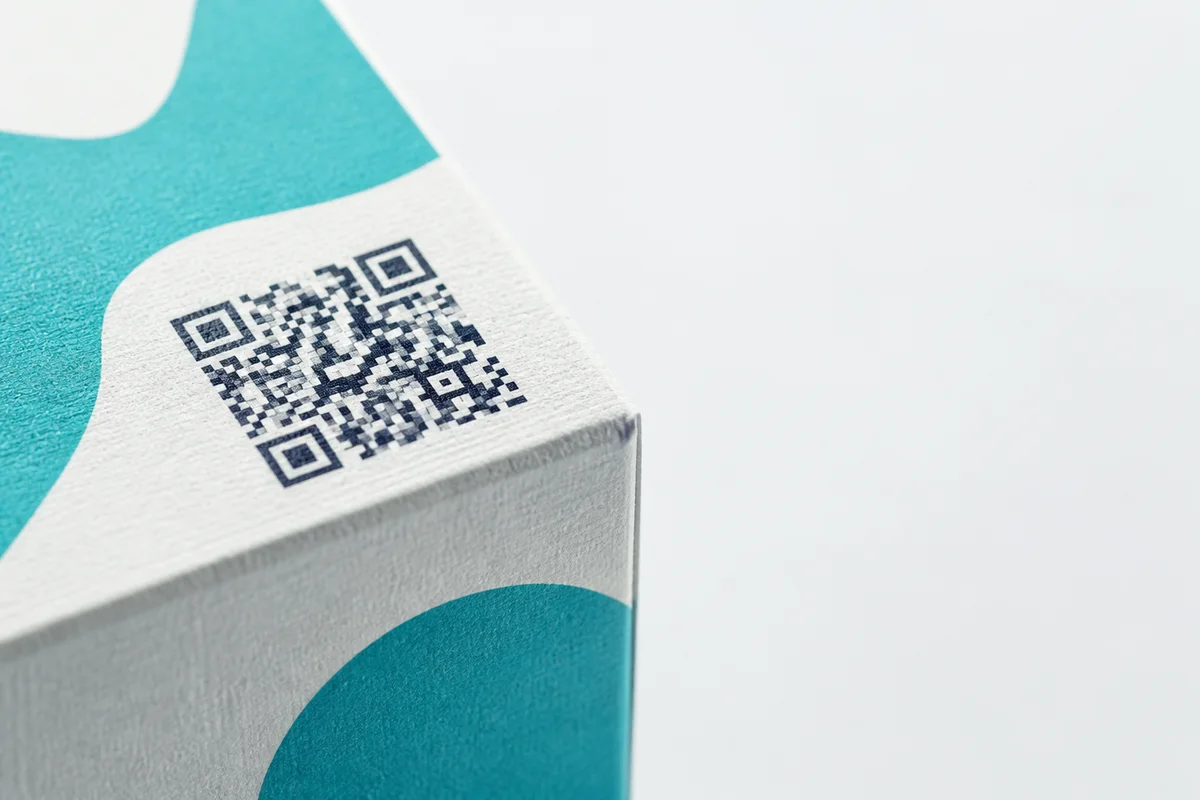
Product packaging
A product list in, print-ready codes out, sized for the substrate your artwork house is actually printing on.
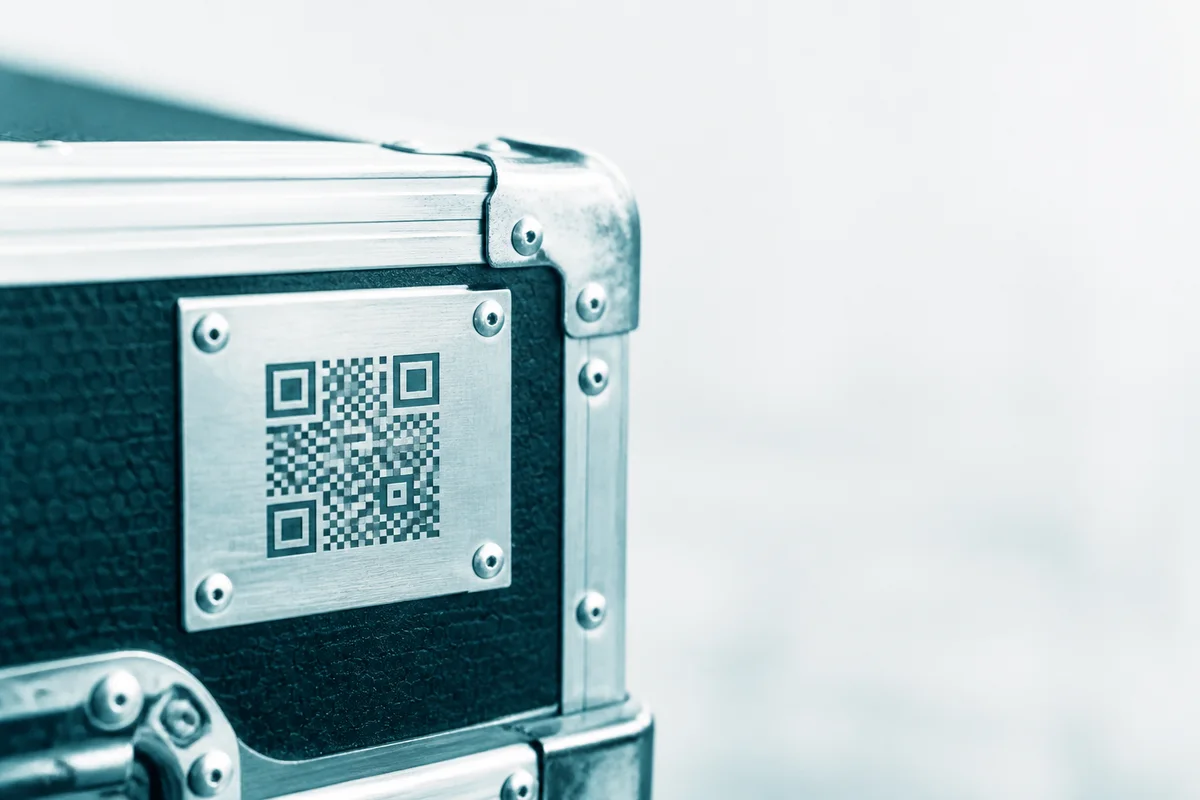
Asset & equipment tagging
Every machine, tool and device gets its own code, and a scan opens its manual or its service history.
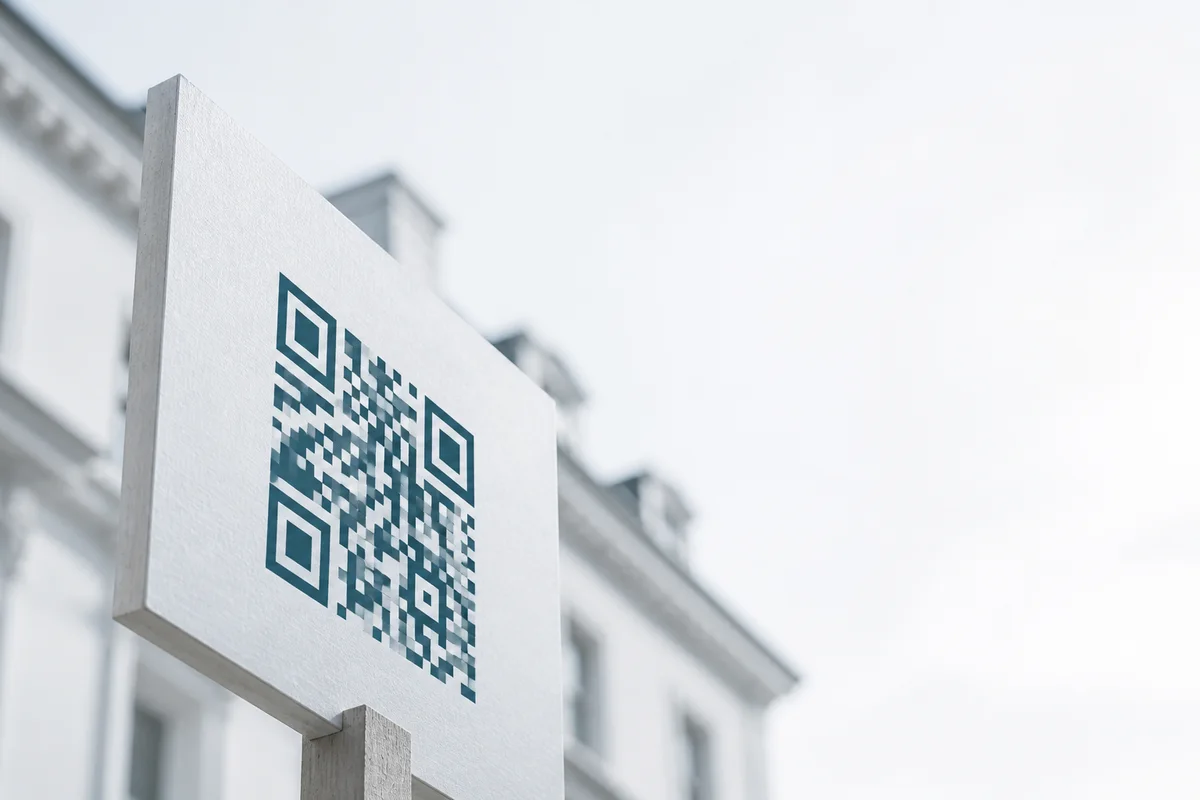
Property & lettings
One code per listing, repointed the day it sells, plus per-unit codes for lettings and check-in.
What every job page has in common
The code has to survive where you put it
A code that scans instantly on a laptop can fail engraved into granite, printed on corrugated card, stuck behind reflective glass, or read from three metres away. The rules barely change between these jobs: dark modules on a light background rather than the reverse, a clear quiet zone (the blank margin) left around the pattern, and a floor of roughly 2 × 2 cm for anything read at arm's length, scaling up with viewing distance. Test the printed proof rather than the on-screen preview, because ink bleed and substrate texture blur fine detail in ways a screen never shows you. The detail is in QR code best practices and the print size guide.
Decide once whether the destination can change
Static or dynamic is the only decision on this page that is expensive to get wrong, because you make it before you print. A static code carries its destination inside the pattern: it needs no server, it cannot be switched off, it is free forever, and for exactly the same reason it can never be repointed or counted. A dynamic code scans to a short link you control, so the destination changes after the print run and every scan is counted. Free covers 1 dynamic code and 7 days of scan history; beyond that it is on the pricing page. If you are weighing it up, static vs dynamic goes through it properly.
One code, or one per item?
Most of the jobs above are a set rather than a single code: one per exhibit, per unit, per machine, per poster site, per listing. A set is worth the extra effort because each item gets its own destination and its own scan count, and comparing those counts is the only way to learn which exhibit, which poster site or which listing actually did anything. Paste the list once and the bulk tool makes up to 500 static codes, or 200 dynamic ones, in a single pass, named so your artwork house can match a file to a row. It is at the bulk QR code generator, with no sign-up for static sets.