
Payments
Scan to pay: how QR code payments actually work
By OpenQR · updated 24 November 2026
6 min read · Updated 24 November 2026
The second after the scan
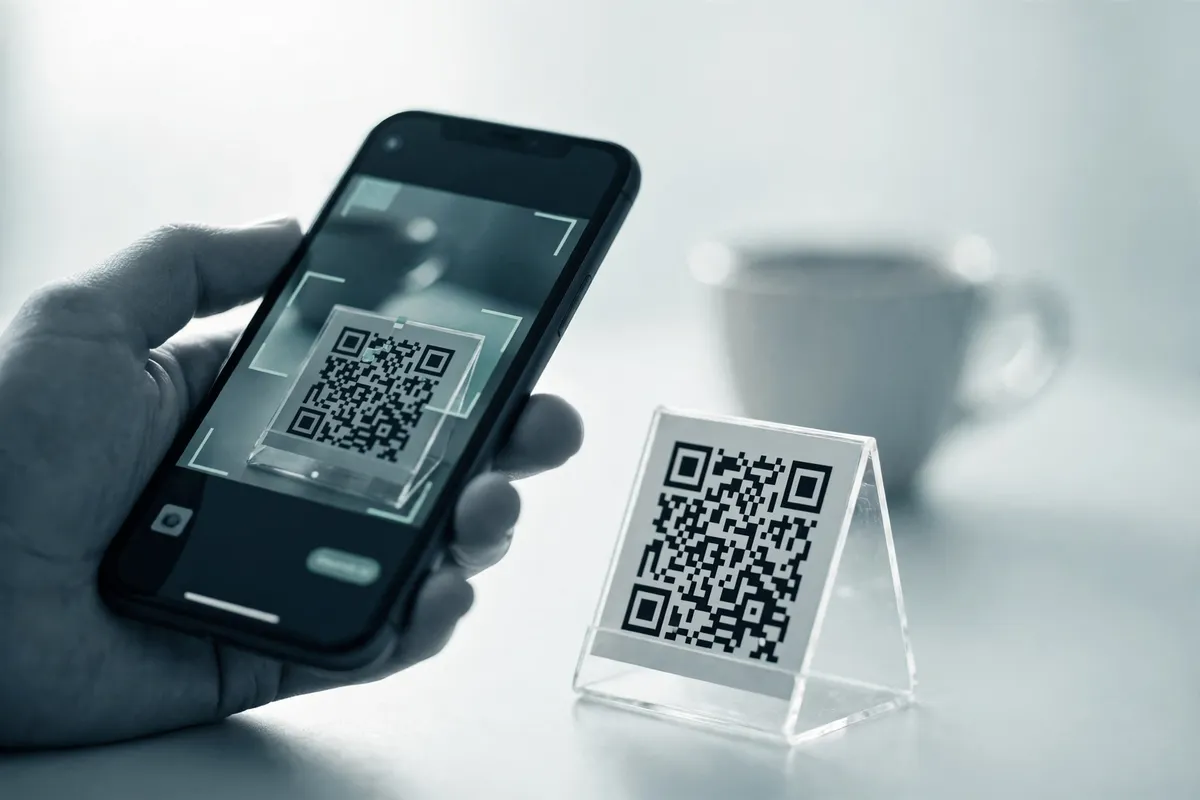
A QR code is a container, not a payment method. Your phone reads the pattern, decodes it into text, and then decides what to do with that text. If the text is a web address, the phone opens it. If it is a structured payment payload, the phone offers it to a banking app that understands that structure. No money has moved yet at any point in that sequence; the scan is just reading.
Kind one: the bank payload
Europe’s EPC code (sold as GiroCode in Germany), India’s UPI code and Brazil’s PIX code all work the same way: the pattern contains the receiver’s account details, an amount and a reference, laid out in a fixed format a banking app can parse. Scanning one opens your bank’s app with a transfer ready to review. You check the name and amount, you confirm, and the payment travels over that country’s banking rail.
The important property: the code never moves money, and neither does scanning it. It removes typing, not confirmation. Our explainers cover each rail in detail: EPC and GiroCode, UPI, PIX.
Kind two: the payment link
Many codes you scan at market stalls and cafe counters contain an ordinary web address. The address belongs to a payment provider’s checkout: the seller’s account is bound to the link, the page shows the amount, and you pay with whatever the provider accepts. From your side it is a web page with a card form or an app hand-off; from the seller’s side it is a way to take payments without a card terminal.
A link-based code can be static (the same link every time, amount typed by you) or dynamic (the seller’s till generates a fresh link with the amount baked in, then shows its QR pattern on a screen for that one transaction). The dynamic form is why the codes on restaurant bill-presenters sometimes look different every visit.
Kind three: the one-time token
App-generated codes run the other direction: instead of you scanning the shop’s code, the shop’s terminal scans yours, or an app on a friend’s phone displays a code your app reads. These patterns are session tickets: short-lived, single-use, and meaningless outside the app that made them. They exist inside closed systems and there is nothing to print, which is why they sit apart from the printable codes this site is about.
Scan to pay versus tap to pay
Tap-to-pay (a card or phone wallet against a terminal) and scan-to-pay solve the same moment differently. Tap needs a terminal on the seller’s side and a card network in the middle; scan needs a printed pattern and a banking app or checkout page. QR wins where terminals do not reach: posters, invoices, market stalls, countries whose banks built the rail into their apps outright. The full comparison, including where each one is weaker, is in NFC vs QR code.
What to check before you confirm
- The receiver’s name on the confirmation screen, every time. It should match who you meant to pay.
- The amount, especially on a code where you typed it yourself.
- Where the code physically came from. A sticker can be placed over a real one; if a payment code looks added to a poster or terminal, ask.
- What the app asked you to do. A bank app asks you to confirm a transfer. A web page asking for your card details is a checkout page, not your bank; that is normal for link-based codes, and worth knowing the difference.
Those checks cover most of what can go wrong, because the pattern itself cannot bill you; only the screen you confirm on can. The wider picture, including what a malicious code can and cannot do to your phone, is in are QR codes safe.